
May 28, 2026
Ruby Stack News — by Germán Silva
There’s a quiet revolution happening in developer tooling, and it doesn’t require a cloud subscription, an API key, or sending your proprietary code to someone else’s server.
Over the past few months I’ve been experimenting with running large language models entirely on my own machine while working on Ruby-LibGD, my gem for image generation in Ruby, and the experience has been interesting enough to write about.
This article covers a lot of ground: the philosophy behind local AI, what these models actually do (and what they decidedly don’t do), how to set up a productive environment in VSCode, and what it means for Ruby and Rails developers specifically.

Why Run AI Locally?
The pitch for local AI is simple:
your code never leaves your machine.
No telemetry. No training-data contribution. No monthly fee per seat.
For indie developers working on proprietary gems, startups with NDAs, or anyone who’s ever winced at a Terms of Service clause, local inference removes the ambiguity entirely.
The tools that make this practical in 2026 are:
- Ollama — serves open-weight models through a local HTTP API (:11434) with a docker pull-like experience for downloading and managing models.
- Aider — a terminal-based AI pair programmer with strong Git integration.
- Continue — a VSCode extension that connects your editor directly to Ollama-served models for inline completions and chat.
Together, they form a stack that competes surprisingly well with cloud coding assistants for everyday Ruby work — without depending on external APIs.
The Big Question: Does It Learn or Just Remember?
This is probably the most misunderstood part of local AI.
Local LLMs do not learn from you automatically.
When you run a model with Ollama, the weights on disk are frozen. The model responding at 9 AM is byte-for-byte identical to the model responding at 5 PM regardless of every conversation you’ve had in between.
What feels like learning is actually something more limited:
in-context memory.
The Context Window: Working Memory, Not Long-Term Storage
Every LLM has a context window — a fixed-size buffer of tokens it can see at any given moment.
Think of it as temporary working memory.
Everything inside that window is “known.” Everything outside it effectively doesn’t exist for that inference call.
The practical implications are important:
- Long conversations feel coherent because earlier discussion still exists in context.
- Once the context window fills up, older information gets dropped.
- Restart Ollama or start a new session and the model begins from zero again unless you manually reload context.
This is a fundamental architectural property, not a limitation of smaller models.
Even very large open-weight models work this way.
What About Persistence?
You can approximate persistence by managing context yourself.
Useful techniques include:
- System prompts — loading project-specific context and conventions at session start.
- Aider’s repo map — automatic codebase summaries and structural awareness.
- Conversation logs — saving and reinjecting previous sessions.
- Fine-tuning — permanently modifying model weights using custom training data.
For most day-to-day Ruby work, though, good context management already gets you surprisingly far.
Ruby-LibGD: A Real-World Test Case
My gem Ruby-LibGD wraps the LibGD image-processing library for Ruby — image compositing, drawing primitives, pixel manipulation, and graphics generation.
That made it an interesting benchmark for local AI because it combines:
- Ruby,
- native C extensions,
- graphics processing,
- and APIs that aren’t heavily represented in tutorials.
The results were mixed — but useful.
On routine tasks like:
- generating documentation examples,
- scaffolding RSpec tests,
- creating small usage examples,
- explaining unfamiliar code,
- or drafting repetitive wrapper methods,
even smaller 7B coding models performed surprisingly well.
Where things became less reliable:
- hallucinated LibGD function names,
- incorrect assumptions about memory ownership,
- unsafe C-extension patterns,
- invented APIs that looked plausible but didn’t exist.
This is where human supervision remains absolutely essential.
The models are often directionally correct without being technically correct.
What These Models Are Actually Good At (With Ruby)
After weeks of experimentation across Ruby-LibGD and Rails projects, the strengths and weaknesses become fairly predictable.
Strong Areas
- Boilerplate generation
- RSpec scaffolding
- Documentation drafting
- Refactoring small methods
- Explaining unfamiliar gems
- Commit message drafting
- Small multi-file edits
Weak Areas
- Rails version-specific behavior
- Lesser-known gems
- Complex ActiveRecord query construction
- Deep metaprogramming
- Database-aware changes without schema context
Always Review Carefully
Some areas should always receive full human review:
- authentication,
- authorization,
- cryptography,
- concurrency,
- memory management,
- performance-critical code paths.
Local AI doesn’t replace engineering judgment.
What it does do is reduce repetitive cognitive overhead.
Automatic Git Commits and Code Supervision
One of Aider’s strongest features is its Git integration.
Every accepted change gets automatically committed with a contextual message describing what changed.
Instead of:
misc fixes
you get something closer to:
Add GD::Image#composite alpha blending supportImplement pixel-level alpha compositing using gdImageCopyMerge.Add corresponding RSpec tests covering opacity edge cases.
That transforms Git history into a readable audit trail of AI-assisted development.
You can:
- git diff,
- git revert,
- git bisect,
- or inspect individual changes exactly like any other workflow.
The supervision loop that works well is:
- Request a change in natural language
- Review the generated diff carefully
- Accept or reject the modification
- Run the test suite
- Let Aider attempt self-correction if tests fail
For Ruby projects with strong RSpec coverage, this becomes surprisingly effective.
The tests become the supervising authority rather than the model itself.
VSCode Setup with Continue
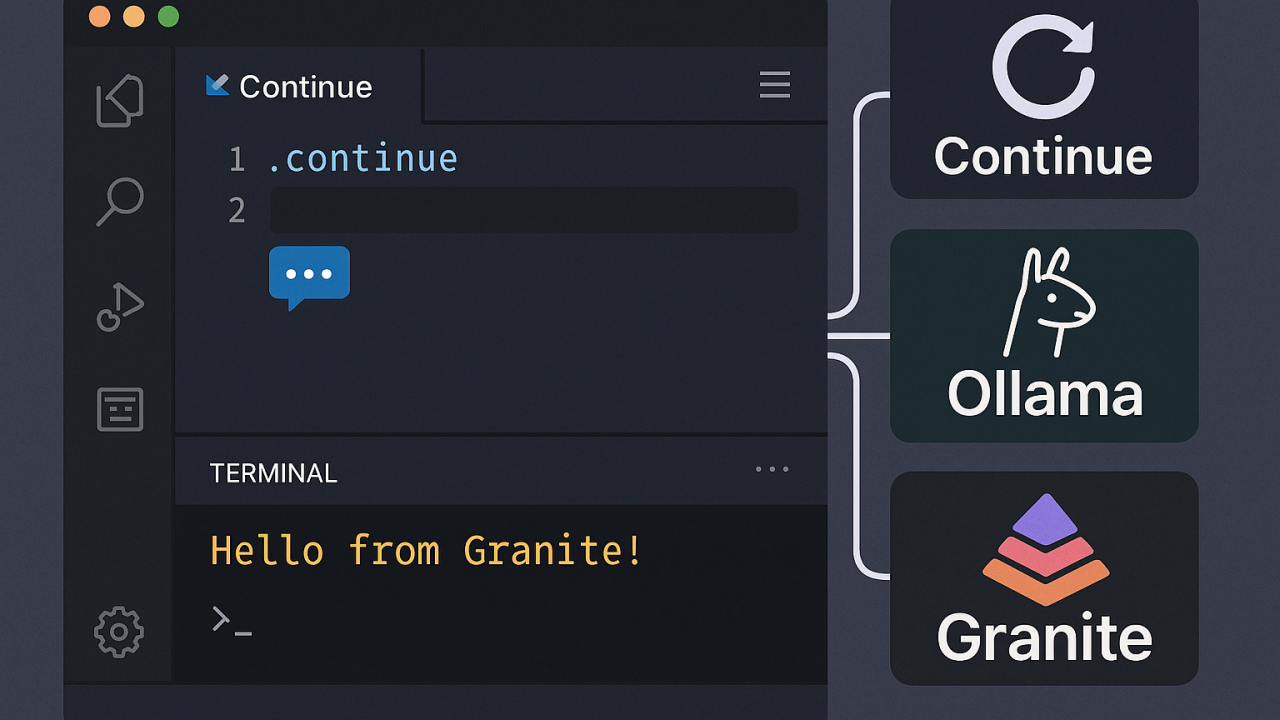
Continue is the VSCode extension that connects your editor to Ollama-served models.
The setup is straightforward.
Installation
# Install Ollamacurl -fsSL https://ollama.com/install.sh | sh# Pull coding modelsollama pull qwen2.5-coder:7bollama pull qwen2.5-coder:32b# Verify Ollamacurl http://localhost:11434/api/tags
Then install the Continue extension from the VSCode marketplace.
Continue Configuration
A practical Ruby setup looks like this:
{ "models": [ { "title": "Qwen2.5-Coder 32B (Chat)", "provider": "ollama", "model": "qwen2.5-coder:32b", "apiBase": "http://localhost:11434" } ], "tabAutocompleteModel": { "title": "Qwen2.5-Coder 7B (Autocomplete)", "provider": "ollama", "model": "qwen2.5-coder:7b", "apiBase": "http://localhost:11434" }}
The split between models matters.
Smaller models work well for autocomplete because latency matters more than reasoning quality.
Larger models work better for:
- refactoring,
- architecture discussions,
- debugging,
- and multi-file reasoning.
Using both together makes the workflow feel substantially more responsive.
Using Continue in Practice
Some of the most useful workflows:
- Cmd/Ctrl + I — inline editing on selected code
- Cmd/Ctrl + L — open chat sidebar
- @codebase — ask questions about the indexed repository
- @diff — inject the current Git diff into context
The @codebase functionality is what makes Continue useful beyond single-file edits.
Once the model can inspect repository structure, responses become dramatically more coherent.
Which Models Work Best for Ruby?
For Ollama-based Ruby development, the current landscape looks roughly like this:
ModelSizeStrengths for RubyNotesqwen2.5-coder:7b~4GBFast autocomplete, decent Ruby idiomsGreat latency/performance balanceqwen2.5-coder:32b~20GBStrong reasoning and Rails understandingBest overall coding experiencedeepseek-coder-v2variesGood multi-file reasoningStrong with Aidergranite-code:8b~5GBLightweight and permissiveWeaker Ruby/Rails idioms
For most Ruby developers, the practical setup is:
- a smaller model for autocomplete,
- and a larger model for chat/refactoring.
If your hardware can’t comfortably run 32B models, 7B models are still genuinely useful productivity tools.
The Bigger Picture for Ruby Developers
Local AI doesn’t eliminate difficult engineering work.
It removes friction.
Tasks like:
- writing boilerplate,
- scaffolding tests,
- drafting documentation,
- explaining unfamiliar code,
- and repetitive refactoring
become substantially faster.
That leaves more mental bandwidth available for the work that actually matters:
- architecture,
- debugging,
- API design,
- performance analysis,
- production reliability.
For the Ruby ecosystem specifically, there’s also an opportunity here.
Ruby and Rails are well represented in training data, but the ecosystem around local AI tooling still lags behind Python and JavaScript.
There is room for:
- Ruby-focused workflows,
- better prompts,
- editor integrations,
- benchmarking,
- and tooling built specifically for Ruby developers.
This article is my contribution toward that discussion.
If you’re experimenting with local AI workflows for Ruby or Rails development, I’d genuinely be interested in hearing what setups and models are working well for you.
Ruby-LibGD is available on GitHub.
Ruby Stack News covers Ruby internals, Rails, tooling, open source, and systems programming across the Ruby ecosystem.