
March 4, 2026
Building Native Extensions with C (and Rust)
Ruby is known for its productivity and elegant syntax, but sometimes performance-critical tasks require lower-level languages.
Fortunately, Ruby provides a powerful mechanism called C extensions, allowing Ruby code to call native C functions directly. This approach enables Ruby developers to reuse existing high-performance libraries written in C.
Many well-known Ruby gems use this technique internally, including database drivers, cryptography libraries, and image processing tools.
In this article we’ll explore how Ruby bindings work, and build a simple native extension step by step.
Why Create Ruby Bindings?
There are several reasons to write bindings between Ruby and native libraries:
• Access high-performance C libraries • Reuse existing mature software • Perform CPU-intensive operations faster • Interface with system-level APIs
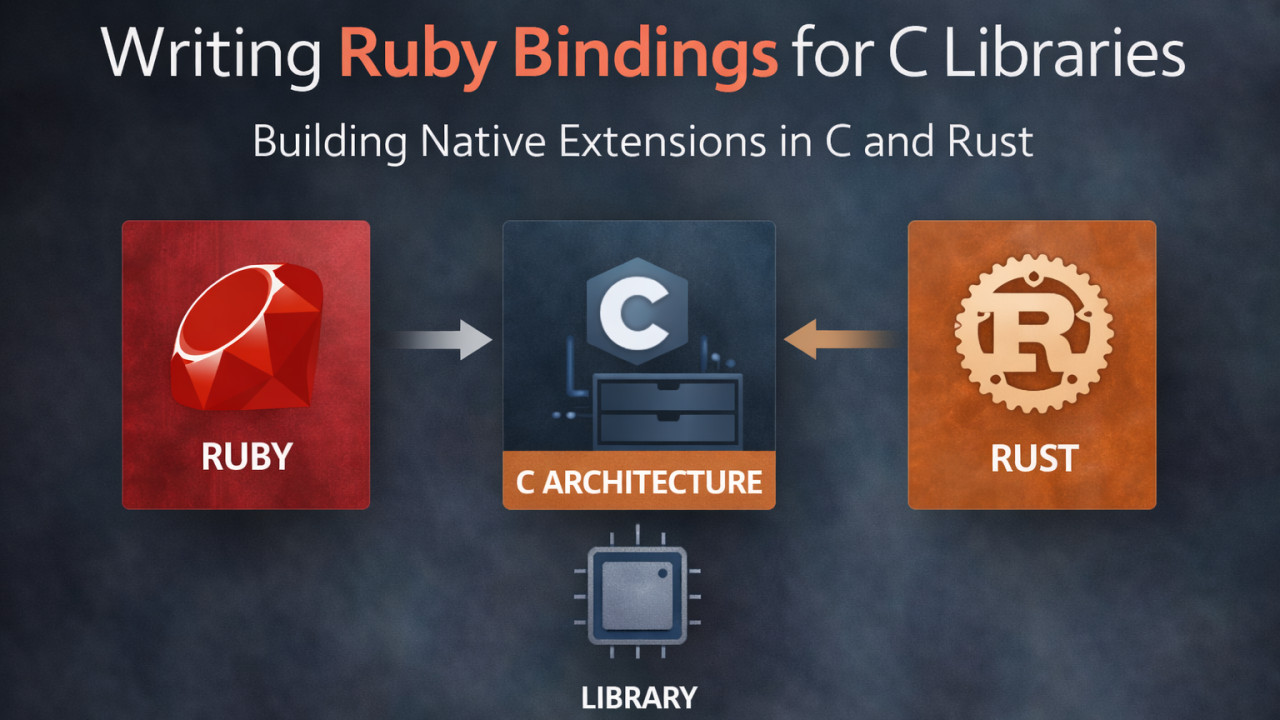
The architecture usually looks like this:
Ruby application ↓Ruby C extension ↓Native C libraryRuby acts as the high-level interface, while the heavy work is done in C.
Creating a Minimal Ruby C Extension
Let’s start with the simplest possible example.
Create a file called:
hello_ext.c#include "ruby.h"VALUE hello_world(VALUE self) { printf("Hello from C!\n"); return Qnil;}void Init_hello_ext() { rb_define_method(rb_cObject, "hello_c", hello_world, 0);}This function defines a Ruby method called hello_c.
Compiling the Extension
Ruby extensions are typically compiled using extconf.rb.
Create:
extconf.rbrequire "mkmf"create_makefile("hello_ext")Then compile:
ruby extconf.rbmakeThis generates:
hello_ext.soCalling the Extension from Ruby
Now we can call the C function directly from Ruby.
require "./hello_ext"hello_cOutput:
Hello from C!Ruby just called a native C function.
Passing Arguments from Ruby to C
Let’s extend our example so Ruby can pass values.
#include "ruby.h"VALUE add_numbers(VALUE self, VALUE a, VALUE b) { int x = NUM2INT(a); int y = NUM2INT(b); return INT2NUM(x + y);}void Init_math_ext() { rb_define_method(rb_cObject, "add_numbers", add_numbers, 2);}Ruby usage:
require "./math_ext"puts add_numbers(3, 4)Output:
7Ruby automatically converts values between Ruby objects and C types.
Handling Multiple Arguments
When creating real bindings, functions often receive variable arguments.
Ruby provides the function:
rb_scan_argsExample:
VALUE example(int argc, VALUE *argv, VALUE self) { VALUE a, b; rb_scan_args(argc, argv, "11", &a, &b); return Qnil;}This allows flexible method signatures.
Wrapping C Structures
Real libraries often expose complex data structures.
Ruby extensions typically wrap them inside Ruby objects.
Example pattern:
typedef struct { int width; int height;} image_t;Ruby wrapper:
TypedData_Get_StructThis mechanism allows Ruby objects to safely manage C memory.
Real-World Example: Image Processing
In real projects, Ruby bindings often expose functions from existing libraries.
For example, an image processing library written in C might expose a function like:
gdImageGaussianBlur(image);A Ruby extension can wrap it like this:
rb_define_method(cImage, "gaussian_blur", rb_gaussian_blur, 0);Then Ruby code becomes simple:
img.gaussian_blurRuby developers interact with a clean Ruby API while the heavy work happens in C.
Rust as an Alternative
Modern Ruby projects sometimes use Rust instead of C.
Rust offers:
• memory safety • strong type guarantees • modern tooling
Popular crates include:
- magnus
- rutie
Example using Magnus:
use magnus::{define_class, function};fn hello() -> String { "Hello from Rust".to_string()}#[magnus::init]fn init() { let module = define_class("RustExample", Default::default()).unwrap(); module.define_singleton_method("hello", function!(hello, 0)).unwrap();}This produces a Ruby extension compiled from Rust.
When Should You Use Native Extensions?
Native extensions are useful when:
• performance matters • a C library already exists • Ruby alone is too slow
However, they also introduce:
• compilation requirements • platform dependencies • more complex debugging
So they should be used thoughtfully.
Conclusion
Ruby’s C extension interface allows developers to combine the expressiveness of Ruby with the performance of native code.
By writing bindings to existing C libraries, Ruby applications can access powerful functionality while maintaining a clean Ruby interface.
Whether you choose C or Rust, native extensions open the door to building high-performance tools directly from Ruby.

 Linking Ruby knowledge from the most remote places in the world.