
March 4, 2026
Image processing is usually associated with languages like Python or C++, but Ruby can also manipulate images efficiently thanks to bindings for native libraries.
One of those libraries is libgd, a well-known C library used to dynamically generate and manipulate images such as PNG, JPEG, and GIF. It has historically been used in web applications to generate charts, thumbnails, and dynamic graphics.
The Ruby gem ruby-libgd provides a native Ruby interface to this library.
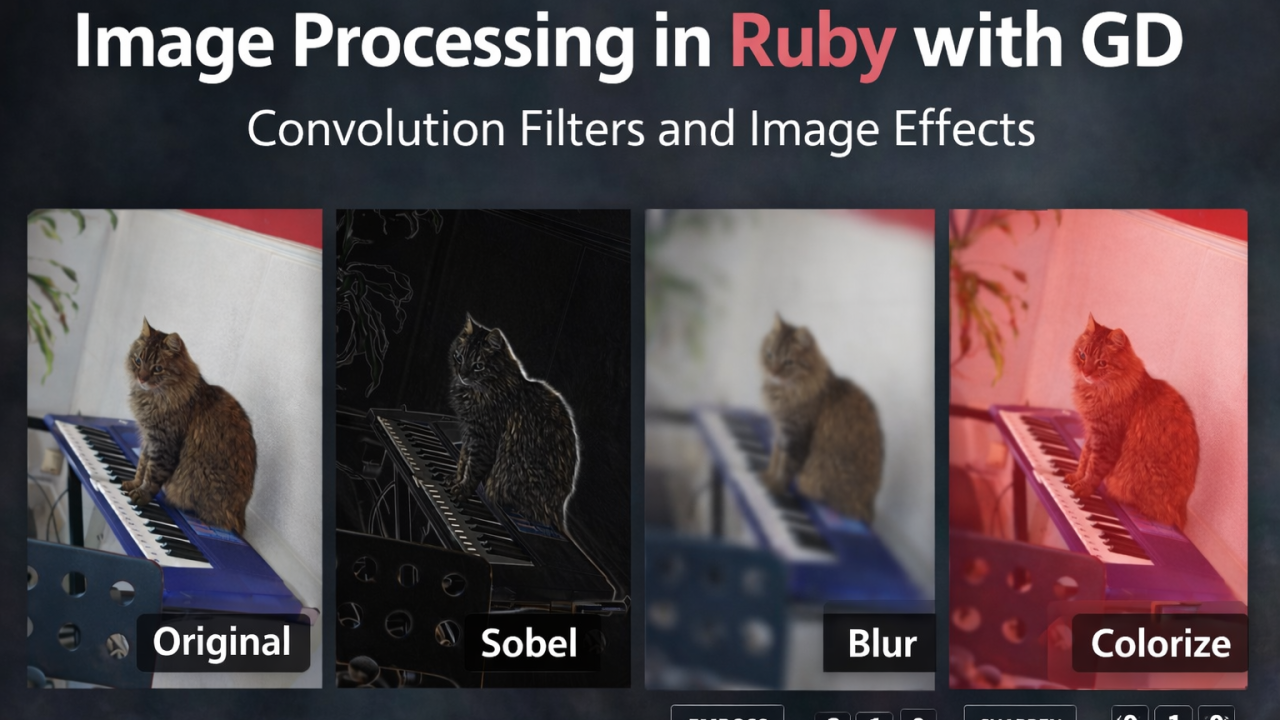
Version 0.3.0 expands the filtering capabilities significantly by adding convolution filters, color filters, and scatter effects.
In this article we’ll explore what’s new and how to use these features.
Installing the Gem
The gem is available on RubyGems, the standard package system used to distribute Ruby libraries.
Install it with:
gem install ruby-libgdThen require it in your project:
require "gd"Loading an Image
Let’s start with a simple example.
require "gd"img = GD::Image.import("cat.jpg")img.save("output.jpg")Now we can begin applying filters.
What’s New in ruby-libgd v0.3.0
The new version introduces three major improvements:
1. Convolution Filters
These filters apply a matrix (kernel) across pixels.
New filters include:
- sobel
- sharpen
- laplacian
- box_blur
- gaussian_kernel
- emboss2
2. Color Manipulation
New support for:
- colorize
- RGB deltas
- alpha channel adjustment
3. Scatter Effects
Two new filters introduce random pixel displacement:
- scatter_color
- scatter_ex
Together these make ruby-libgd far more capable for image analysis and artistic effects.
Understanding Convolution Filters
A convolution filter processes each pixel using its neighbors.
Example kernel:
0 -1 0-1 5 -10 -1 0This is a sharpen filter.
The kernel is applied to every pixel to calculate the new value.
ruby-libgd exposes this through the underlying GD convolution API.
Example: Edge Detection with Sobel
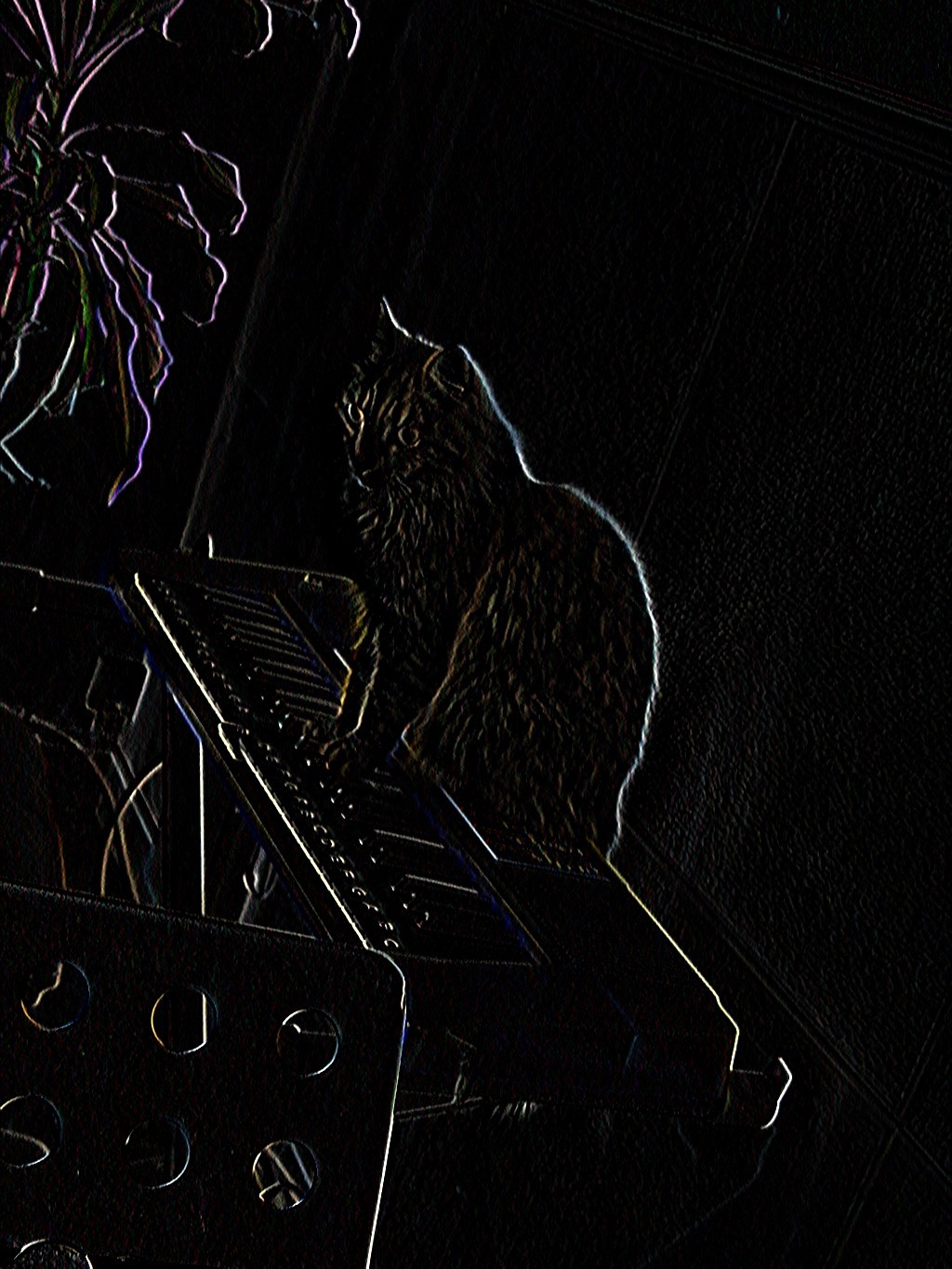
The Sobel filter detects edges by measuring intensity gradients.
require "gd"img = GD::Image.import("cat.jpg")img.filter(:sobel)img.save("sobel.jpg")This highlights edges in the image.
Example: Gaussian Blur
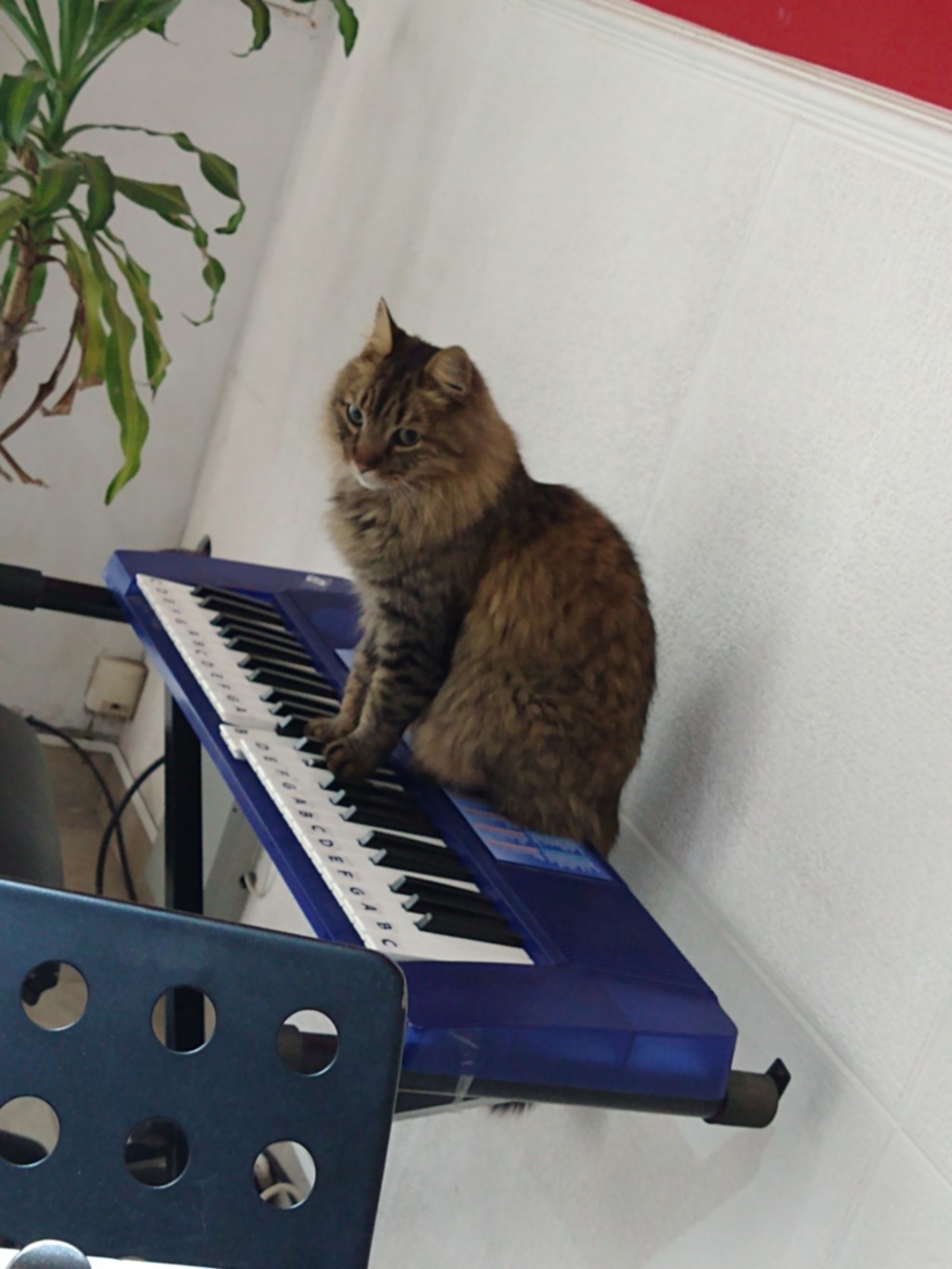
Gaussian blur smooths an image.
img = GD::Image.import("cat.jpg")img.filter(:gaussian_kernel)img.save("gaussian.jpg")Gaussian kernels produce smoother results than simple box blur.
Example: Box Blur
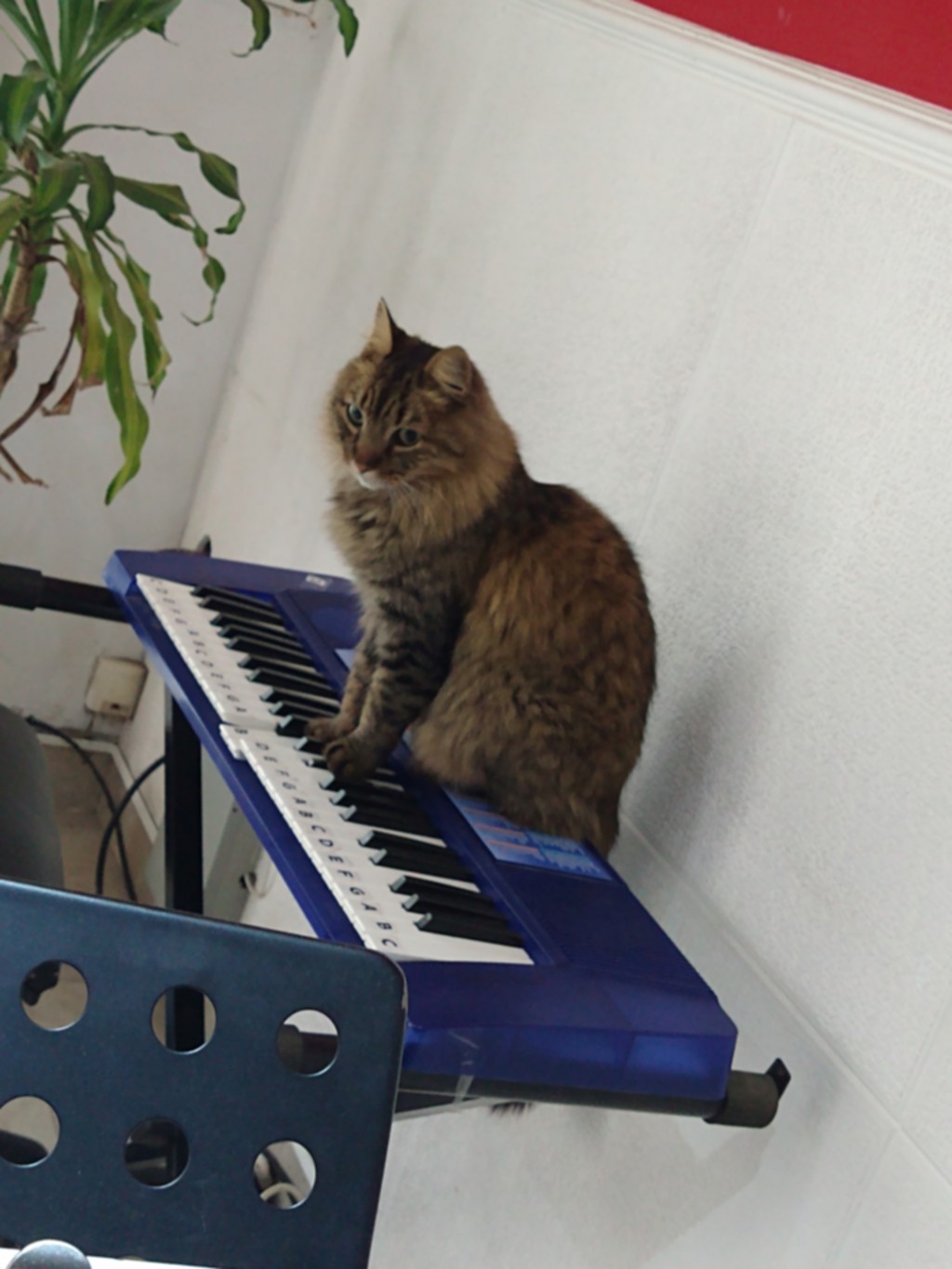
Box blur averages neighboring pixels.
img = GD::Image.import("cat.jpg")img.filter(:box_blur)img.save("box_blur.jpg")This produces a soft blur effect.
Example: Emboss Filter
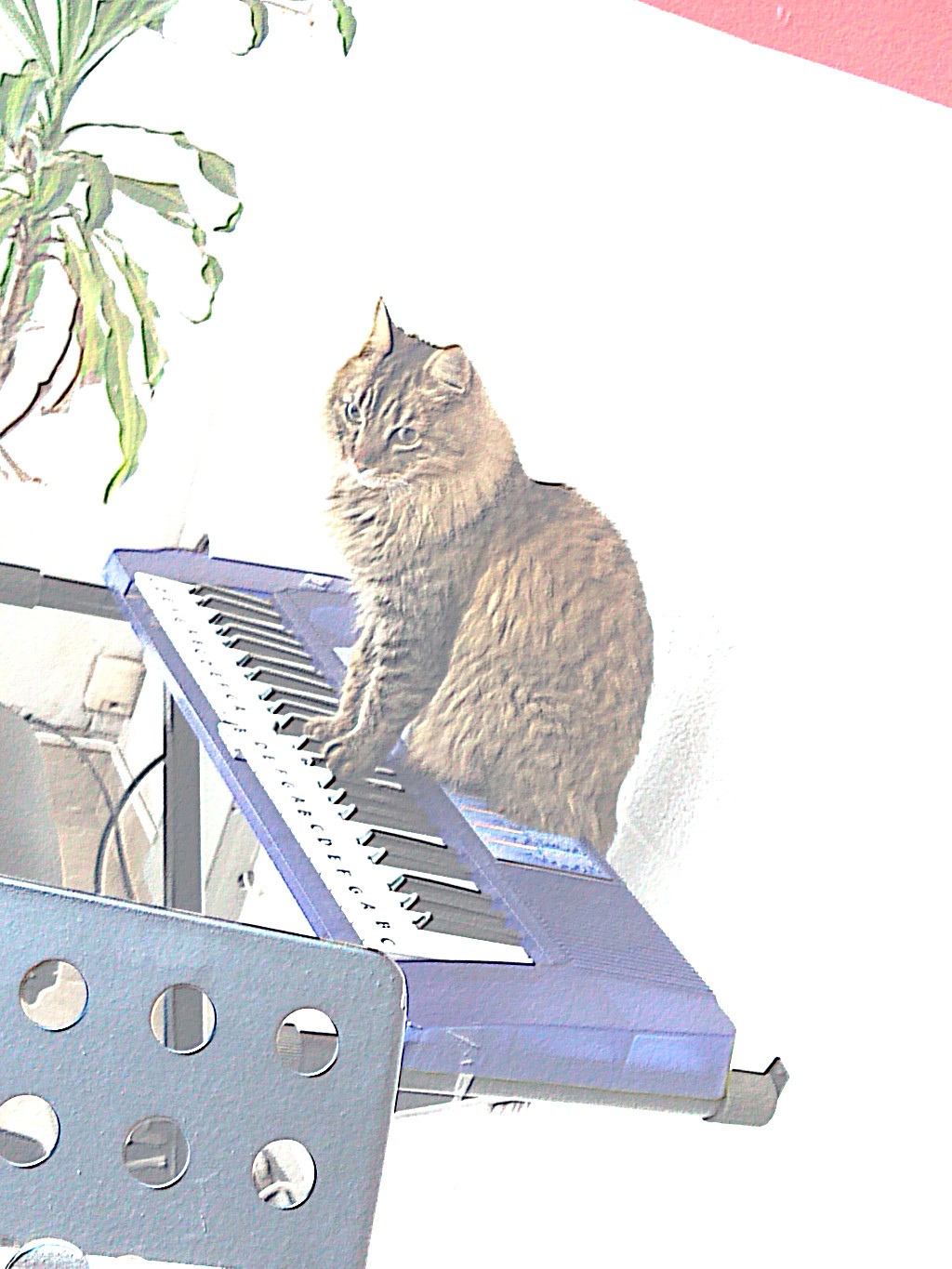
Emboss filters create a relief effect.
img = GD::Image.import("cat.jpg")img.filter(:emboss2)img.save("emboss.jpg")Edges appear raised, giving a 3D-like appearance.
Example: Colorize Filter
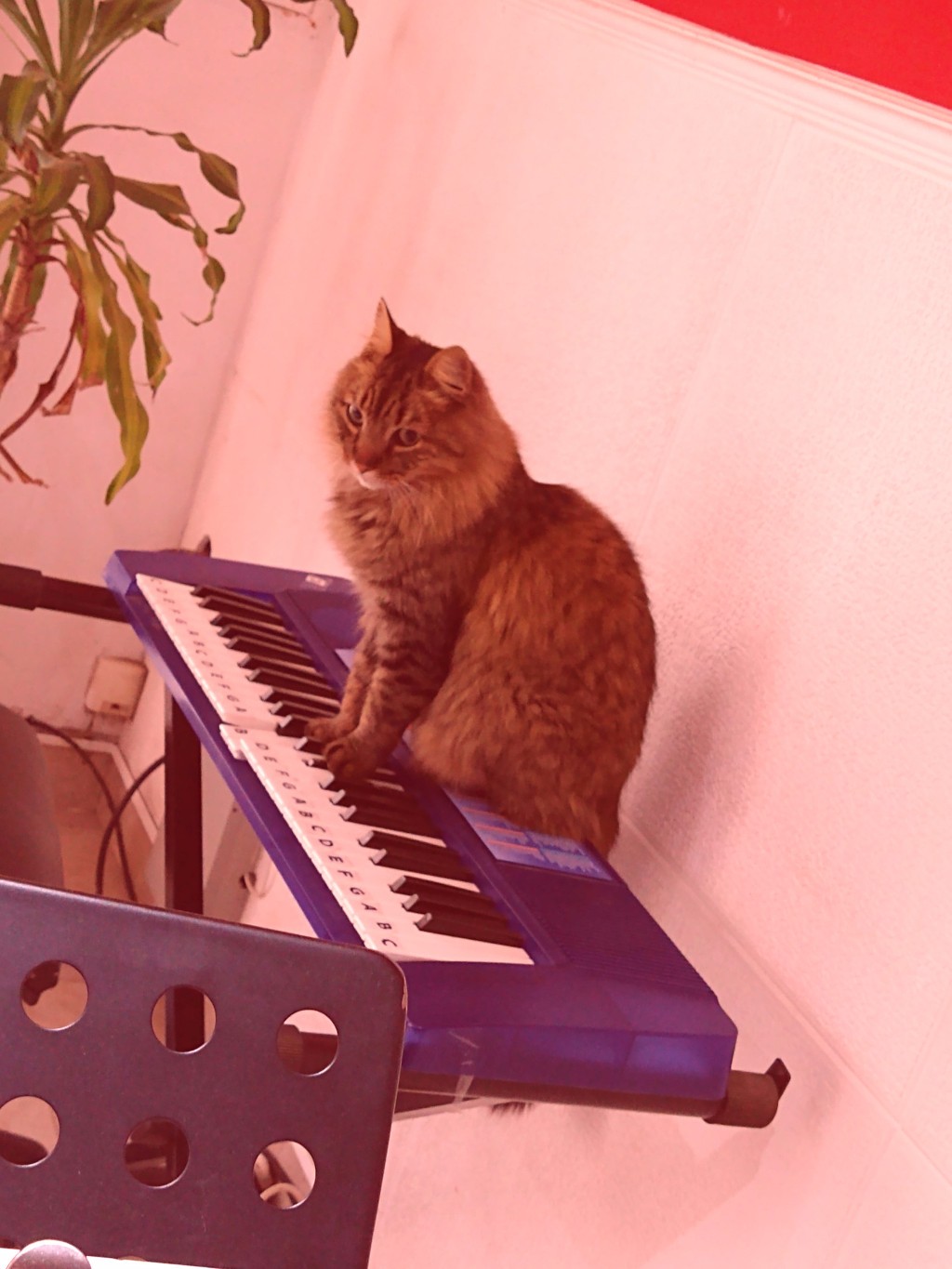
Colorize modifies the RGB values of the image.
img = GD::Image.import("cat.jpg")img.filter(:colorize, 255, 0, 0, 50)img.save("colorize.jpg")Parameters represent:
red_deltagreen_deltablue_deltaalphaThis example applies a red tint.
Example: Scatter Effects
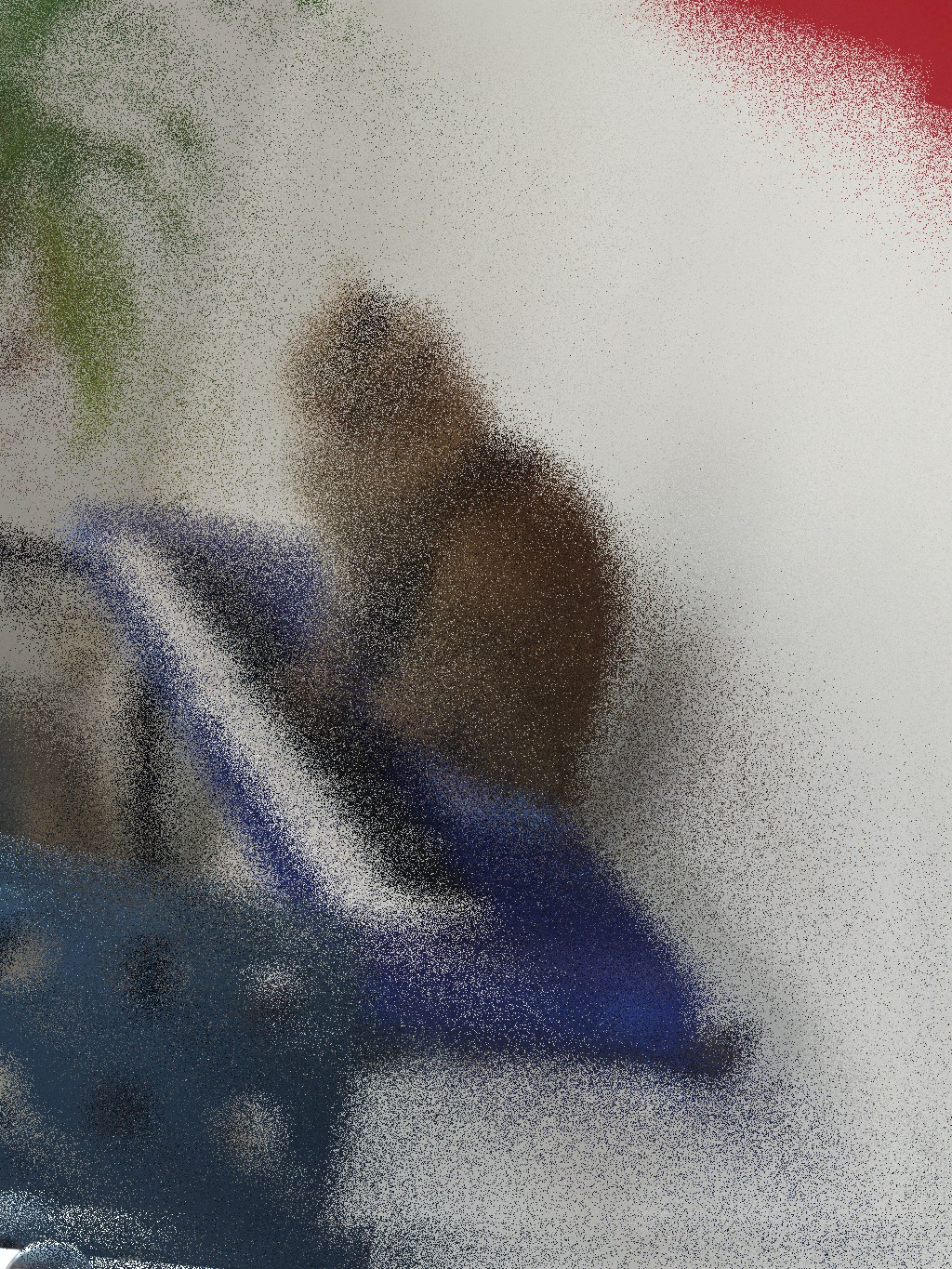
Scatter filters randomly move pixels.
scatter_color
img = GD::Image.import("cat.jpg")colors = [ GD.true_color(255,0,0), GD.true_color(0,255,0), GD.true_color(0,0,255)]img.filter(:scatter_color, 2, 5, colors)img.save("scatter_color.jpg")scatter_ex
img = GD::Image.import("cat.jpg")img.filter(:scatter_ex, 2, 10)img.save("scatter_ex.jpg")These filters produce interesting artistic effects.
Included Example Scripts
The gem now includes multiple example programs demonstrating the filters:
box_blur.rbcolorize_rgb_deltas.rbcolorize_alpha_deltas.rbconvolve.rbemboss2.rbgaussian_kernel.rblaplacian.rbsobel.rbsharpen.rbscatter_color.rbscatter_ex_01.rbscatter_ex_02.rbThese scripts provide a good starting point for experimenting with image processing.
Why This Update Matters
The new filters transform ruby-libgd from a simple wrapper into a more capable image processing tool.
Developers can now use Ruby for:
- edge detection
- blur effects
- artistic transformations
- convolution experiments
- generative art
All while leveraging the performance of a native C library.
Project Links
GitHub repository:
RubyGems page:
Conclusion
ruby-libgd v0.3.0 significantly expands the capabilities of the GD bindings for Ruby.
With convolution filters, color manipulation, and scatter effects, it becomes a useful tool not only for web image generation but also for experimenting with image processing techniques directly in Ruby.
If you enjoy combining Ruby with graphics or generative art, this update opens many interesting possibilities.

 Linking Ruby knowledge from the most remote places in the world.