
March 12, 2026
Ever open Excel or fire up a Python script just to peek at a CSV file? There’s a faster, cleaner way.
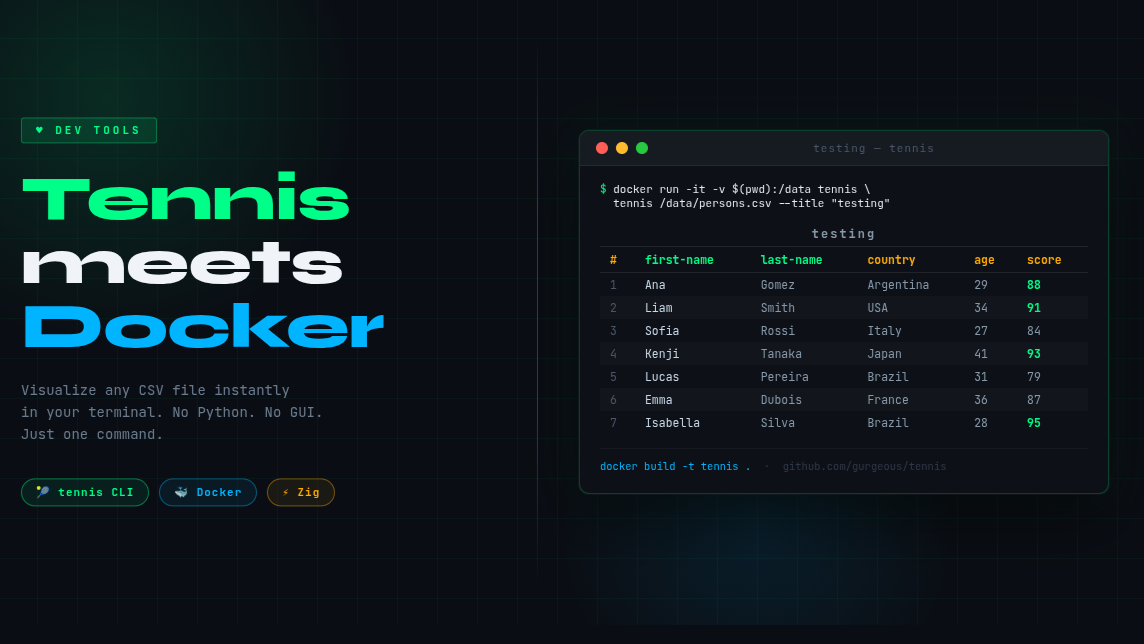
Meet tennis — a blazing-fast terminal table viewer built in Zig. No Python. No pandas. No GUI. Just clean, colored, readable tables right in your shell.
🐳 Run It Instantly with Docker
No need to install Zig or compile anything yourself. Use this Docker setup:
FROM ubuntu:22.04RUN apt-get update && apt-get install -y --no-install-recommends \ build-essential bash git curl xz-utilsRUN curl -L https://ziglang.org/download/0.13.0/zig-linux-x86_64-0.13.0.tar.xz | tar -xJ \ && mv zig-linux-x86_64-0.13.0 /opt/zig \ && ln -s /opt/zig/zig /usr/local/bin/zigWORKDIR /appRUN git clone https://github.com/gurgeous/tennis.gitWORKDIR /app/tennisRUN zig build -Doptimize=ReleaseFastRUN ln -s /app/tennis/zig-out/bin/tennis /usr/local/bin/tennisCMD ["tennis"]Run it against any local CSV:
docker run -it -v $(pwd):/data tennis tennis /data/yourfile.csv -n --title "my data"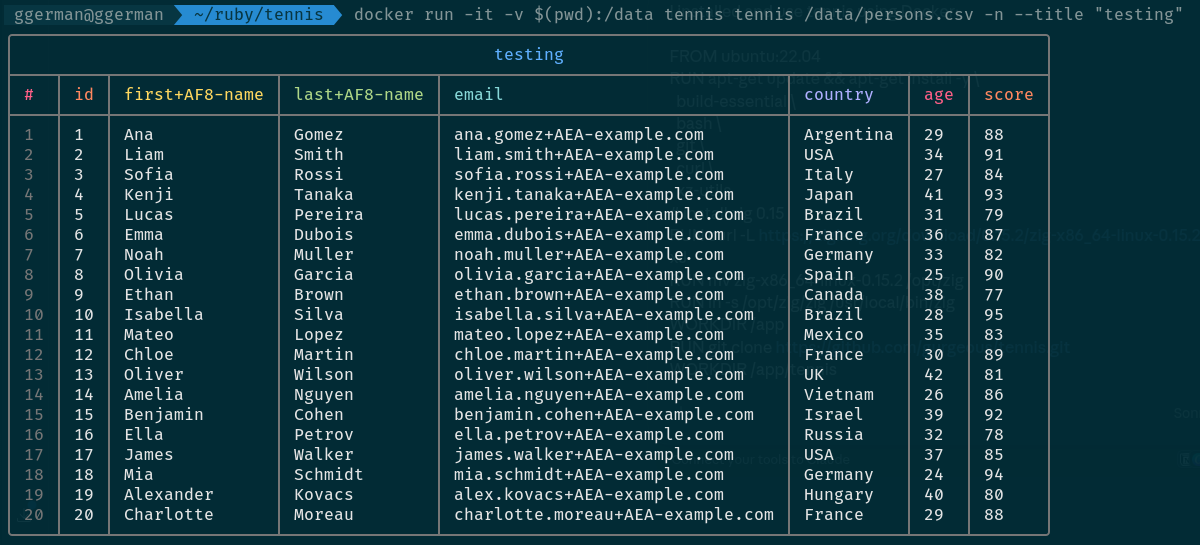
Instantly, your CSV is rendered as a color-coded, aligned table with headers and row numbers.
⚡ Why This Combo Works
- Docker handles the build — no “works on my machine” headaches
- Volume mounting (-v) lets you point to any CSV without rebuilding
- Zig’s ReleaseFast build keeps it snappy, even on large files
- Zero runtime dependencies once the image is built
📊 Perfect for Quick Data Checks
- Validate ETL pipeline outputs
- Spot-check exported reports
- Review data before database loads
- Share readable snapshots with teammates
No notebooks. No spreadsheets. One command and your data is readable.
🔗 Try it here: github.com/gurgeous/tennis
💡 Found other underrated CLI tools for data work? Drop your favorites in the comments 👇
#Developer #DataEngineering #Docker #CLI #Productivity #Zig #DevTools

 Linking Ruby knowledge from the most remote places in the world.