
January 19, 2026
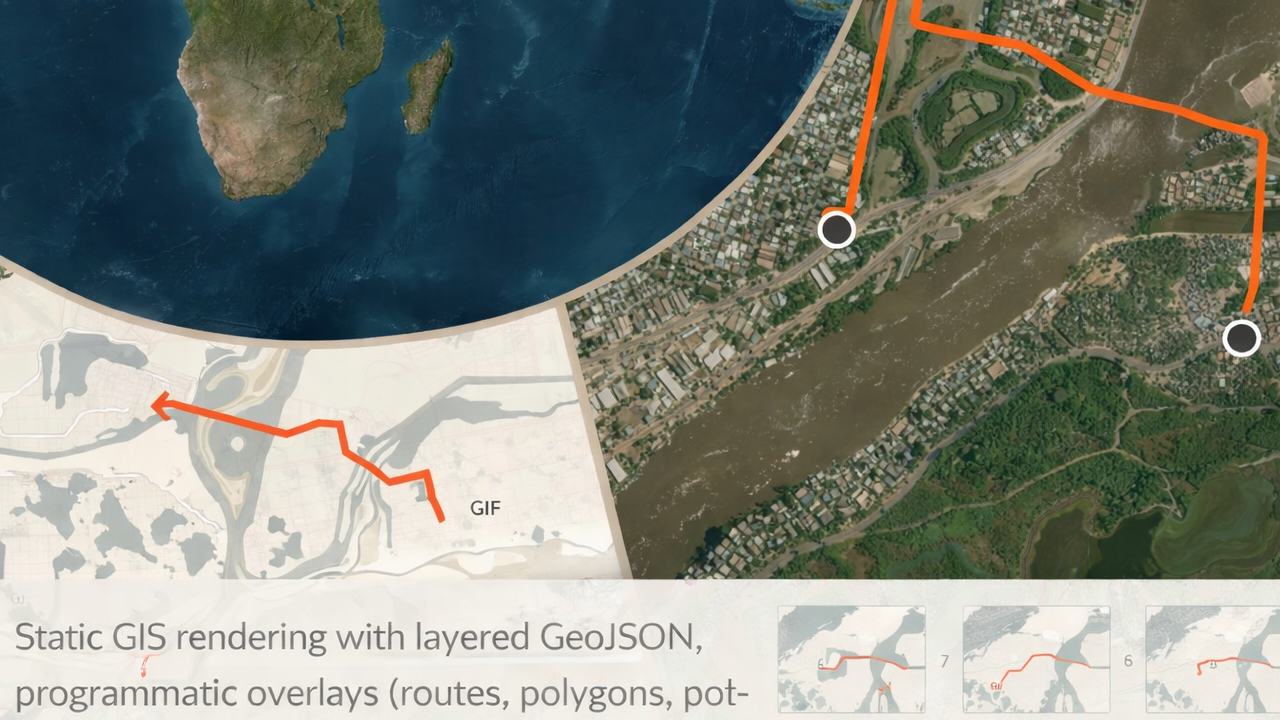
This article documents the current state of libgd-gis following a significant internal update: the stabilization and freeze of its core rendering API. The update consolidates the project’s primary responsibilities—static GIS rendering, layered composition, and post-render image manipulation—into a stable and documented surface.
Alongside this milestone, comprehensive documentation is now available in English, Spanish, and Japanese. Development of animated map rendering continues independently in alpha-1, remaining intentionally experimental.
Stable API Freeze
As of this update, the core rendering API of libgd-gis is considered frozen and stable.
The following methods define the canonical way geographic data is rendered into raster images and are intended for production use in static map generation workflows:
- add_geojson
- add_lines
- add_polygons
- add_points
- map.image
Base Map Setup (Context)
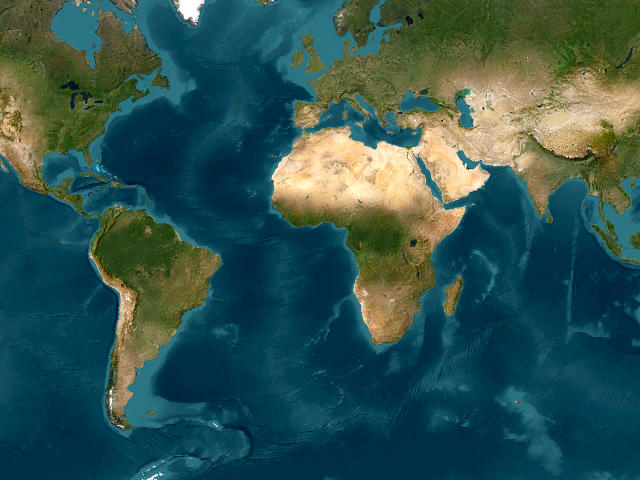
All examples below assume a common map setup.
require "gd/gis"CITY = [-74.05, 40.70, -73.95, 40.80]map = GD::GIS::Map.new( bbox: CITY, zoom: 12, basemap: :carto_light, width: 800, height: 800)map.style = GD::GIS::Style.load("solarized")add_geojson
Renders GeoJSON files as ordered layers. Each call adds a new layer rendered in sequence.
map.add_geojson("data/roads.geojson")map.add_geojson("data/parks.geojson")map.add_geojson("data/water.geojson")Notes:
- Layer order is explicit and deterministic
- Styling is controlled entirely by the active YAML style
- Supported geometries include Point, LineString, and Polygon
add_lines
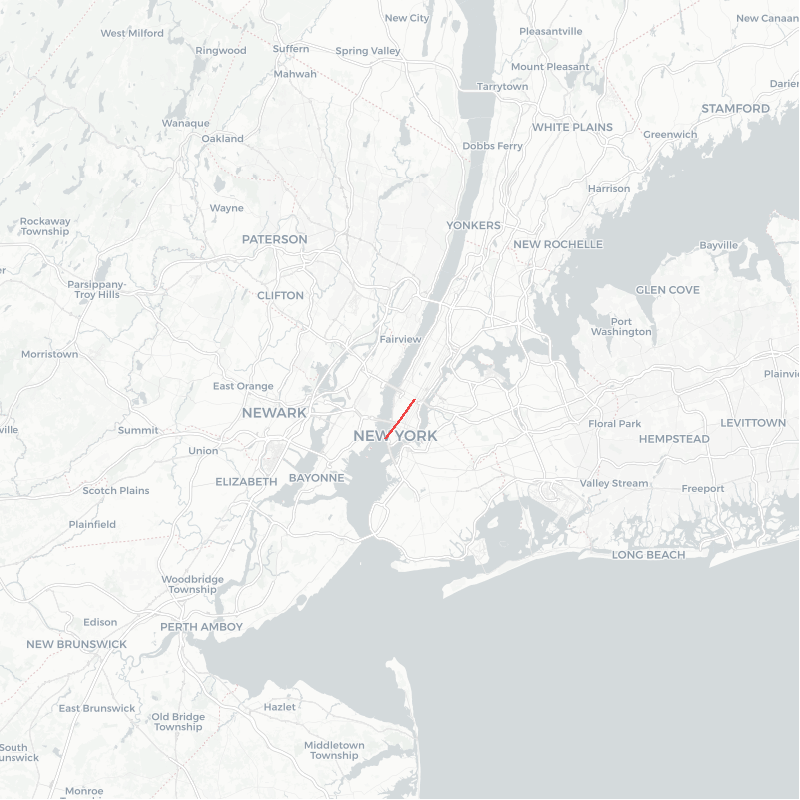
Renders programmatic line geometries such as routes or tracks.
lines = [ [ [-74.02, 40.71], [-74.00, 40.73], [-73.98, 40.75] ]]map.add_lines( lines, stroke: [239, 68, 68], width: 3)Use cases:
- GPS tracks
- Routes and paths
- Analytical overlays
add_polygons
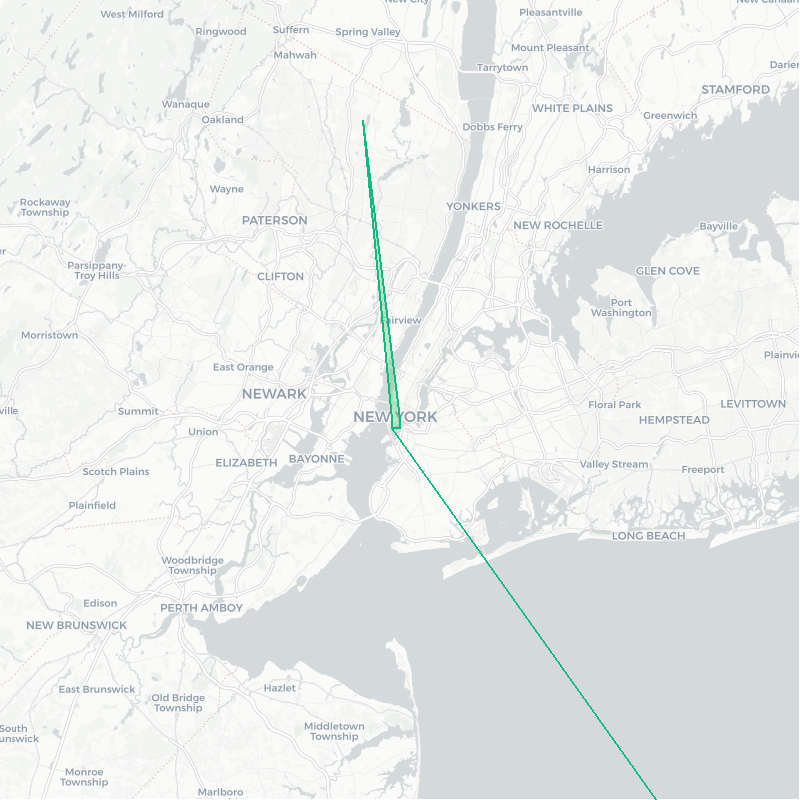
Renders polygonal areas with configurable fill and stroke.
polygons = [ [ [ [-74.01, 40.70], [-74.00, 40.70], [-74.00, 40.71], [-74.01, 40.71], [-74.01, 40.70] ] ]]map.add_polygons( polygons, fill: [34, 197, 94, 180], stroke: [16, 185, 129], width: 2)Notes:
- Supports alpha transparency
- Geometry is expressed directly as coordinate arrays
- Intended for dynamic or computed regions
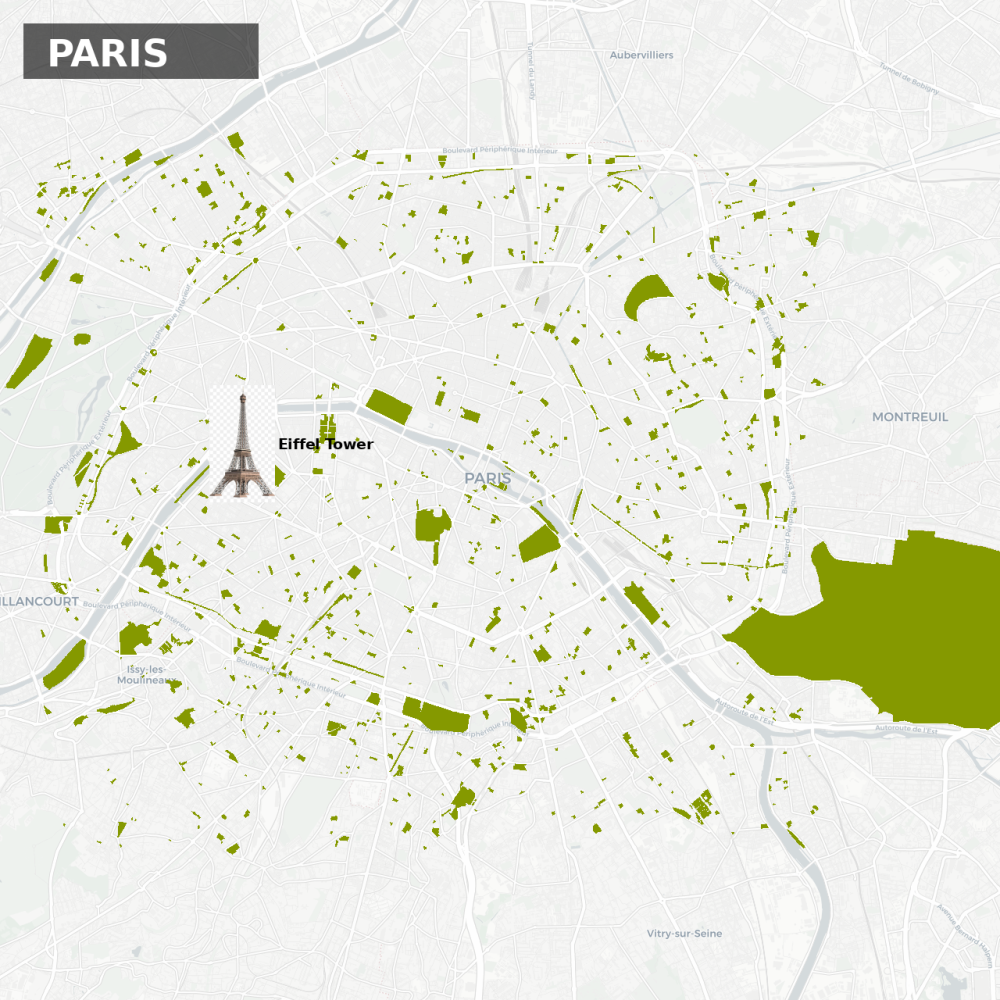
add_points
Renders point-based data such as POIs, labels, and markers.
pois = [ { "name" => "Home", "lon" => -74.00, "lat" => 40.72 }]map.add_points( pois, lon: ->(r){ r["lon"] }, lat: ->(r){ r["lat"] }, label: ->(r){ r["name"] }, icon: nil, font: "./fonts/DejaVuSans-Bold.ttf", size: 16)Features:
- Lambda-based field mapping
- Optional icons and labels
- Explicit font handling
Rendering the Map
Once all layers and overlays are defined, rendering is performed exactly once.
map.rendermap.save("output/map.png")map.image — Post-render Image Manipulation

After rendering, the map exposes its underlying GD::Image for further processing.
font = "./fonts/DejaVuSans-Bold.ttf"bg = GD::Color.rgba(0, 0, 0, 120)fg = GD::Color.rgb(255, 255, 255)map.image.filled_rectangle(30, 30, 330, 100, bg)map.image.text( "NEW YORK CITY", x: 60, y: 85, size: 32, color: fg, font: font)map.save("output/map_labeled.png")This stage enables:
- Titles and branding
- Legends and annotations
- Watermarks and overlays
- Any image operation supported by ruby-libgd
Documentation Availability
Complete documentation for the stable API is available in three languages:
- English: https://ggerman.github.io/libgd-gis/en/index.html
- Spanish: https://ggerman.github.io/libgd-gis/es/index.html
- Japanese: https://ggerman.github.io/libgd-gis/jp/index.html
Animation Support (Alpha-1)
Animated map rendering (e.g. route playback, GIF generation, simulated geolocation tracking) remains under active development and is currently classified as alpha-1.
Animation-related APIs are not frozen and may change as performance, memory usage, and rendering strategies are refined.
Conclusion
With the stabilization of its core API, libgd-gis now provides a clearly defined and documented foundation for static GIS rendering in Ruby. The project distinguishes between a stable rendering surface and an experimental animation layer, allowing users to adopt the system with confidence while future capabilities continue to evolve.

 Linking Ruby knowledge from the most remote places in the world.