
January 14, 2026
The biggest limitation of most Ruby image libraries is not pixels — it’s text.
Fonts, labels, positioning, alignment, rotation, and layout are what separate a toy renderer from a real graphics engine. Until now, ruby-libgd only exposed a very minimal wrapper around FreeType. It worked, but it didn’t allow proper layout, labeling, or advanced typography.
With ruby-libgd v0.2.2, that changes.
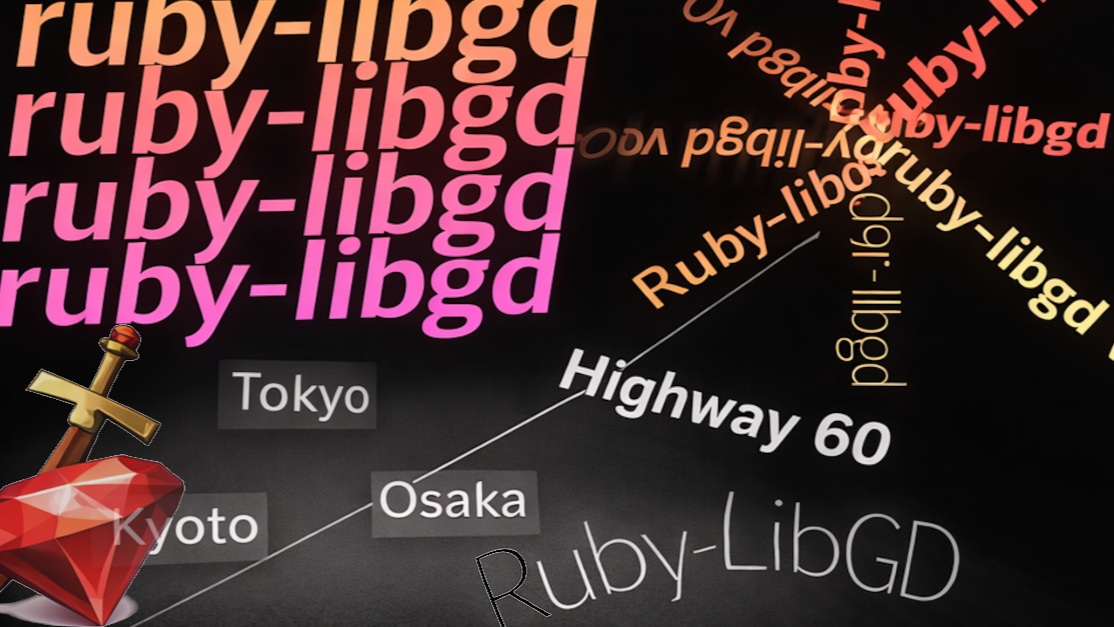
This release introduces a new text & layout foundation that turns ruby-libgd into a serious graphics backend for posters, maps, dashboards, UI overlays, and generative art.
text_bbox)
and high-quality rendering (text_ft) — ideal for labels, maps, posters, and UI overlays.
gem install ruby-libgd
- Pixel-accurate text measurement
- DPI-aware FreeType rendering
- Multiline + line spacing
- Rotation-ready labels
Why text was the missing piece
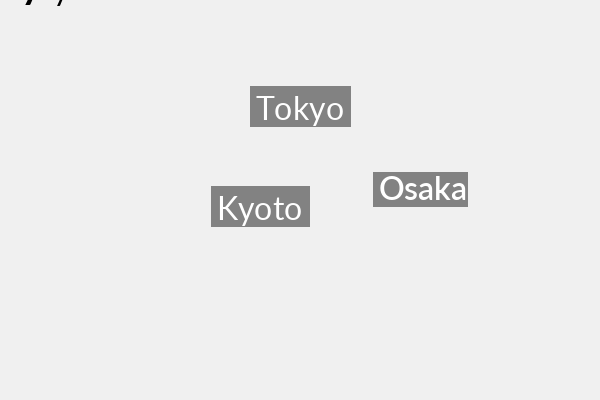
Before this release, you could draw text like this:
img.text("Tokyo", x: 100, y: 100, size: 32, font: "NotoSans.ttf", color: [255,255,255])
But you couldn’t:
- measure how wide the text was
- center it
- draw a background
- rotate it accurately
- align it to roads or labels
- render high-DPI text
- do multiline layout
That made GIS labels, posters, thumbnails, and UI rendering painful.
v0.2.2 fixes this at the engine level.
1) Measuring text with text_bbox
The most important new primitive is text measurement.
w, h = img.text_bbox(
  "Tokyo",
  font: "NotoSans-Bold.ttf",
  size: 32
)
This returns the real pixel size of the rendered text using the same FreeType engine that draws it.
That unlocks:
- centering
- background boxes
- alignment
- collision detection
- label placement
- UI layout
- GIS overlays
For example:
w, h = img.text_bbox("Osaka", font: font, size: 24)

img.filled_rectangle(
  x - w/2 - 6,
  y - h - 6,
  x + w/2 + 6,
  y + 6,
  [0,0,0,140]
)

img.text("Osaka", x: x - w/2, y: y, font: font, size: 24, color: [255,255,255])
This is exactly how Mapbox, QGIS, and game engines place labels.
2) High-quality FreeType rendering with text_ft
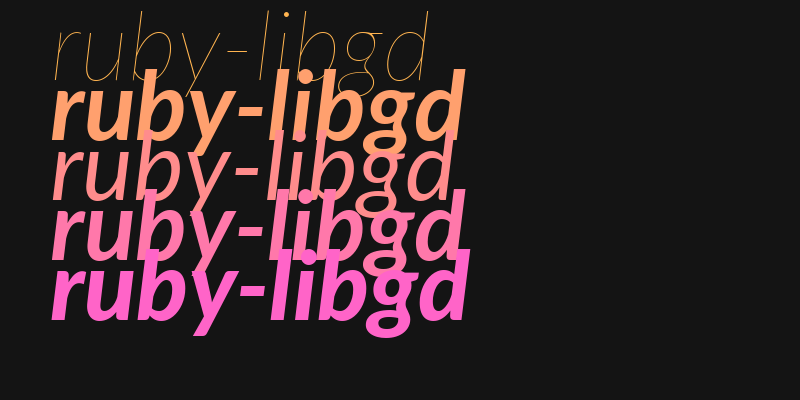
The second pillar is FreeTypeEx rendering via text_ft.
img.text_ft(
  "Tokyo\nShinjuku",
  x: 100,
  y: 200,
  font: "NotoSans-Regular.ttf",
  size: 28,
  color: [255,255,255],
  dpi: 144,
  line_spacing: 1.4
)
This enables:
- multiline text
- DPI-aware rendering
- better hinting
- line spacing
- high-resolution export
- professional typography
This is the same FreeType engine used by desktop publishing and mapping software.
3) Rotation & map labels
Because FreeType is now fully exposed, text can be rotated and aligned to geometry.
angle = Math.atan2(y2 - y1, x2 - x1)

img.text_ft(
  "Highway 60",
  x: x,
  y: y,
  font: font,
  size: 24,
  color: [0,0,0],
  angle: angle
)
This makes ruby-libgd suitable for:
- road labels
- river names
- cartography
- infographics
- diagrams
4) Backward compatibility preserved
The original .text method remains unchanged.
That means:
- existing scripts keep working
- simple use stays simple
- advanced users get new power
ruby-libgd now has:
- text — simple
- text_bbox — measurement
- text_ft — professional FreeType rendering
This is exactly how serious graphics engines are structured.
5) Why this matters for Ruby
These primitives are the foundation for:
- ruby-libgd-gis
- map rendering
- posters
- social images
- dashboards
- thumbnails
- generative art
- PDF-like layouts
- UI overlays
With v0.2.2, Ruby finally has a layout-capable, FreeType-driven image engine that runs fast, natively, and without heavyweight dependencies.
Final words
ruby-libgd v0.2.2 is not just a feature release — it is a structural upgrade.
It turns ruby-libgd from “a way to draw pixels” into a real graphics engine capable of labels, typography, and layout — the foundation required for serious GIS, visualization, and design tools in Ruby.

 Linking Ruby knowledge from the most remote places in the world.