
March 23, 2026
Published on RubyStackNews
Nobody expects Ruby to process medical images.
That is exactly why I tried it.
This article is about building a medical image analysis prototype in pure Ruby using ruby-libgd as the rendering and pixel manipulation engine. No Python. No OpenCV. No NumPy. Just Ruby, pixels, and math.
The target: chest X-rays from the NIH public dataset. The goal: edge detection, region segmentation, and histogram analysis.
Here is what happened.
The starting point
ruby-libgd gives Ruby something it never had before: direct pixel-level access to images through native GD library bindings. You can read any pixel, write any pixel, apply geometric operations, and save results in any format.
That sounds basic. But it is exactly what medical image processing needs at its core. Everything in this field starts with reading pixels, transforming them, and interpreting the result.
ruby
img = GD::Image.open("chest_xray.png")pixel = img.get_pixel(x, y)r = (pixel >> 16) and 0xFFg = (pixel >> 8) and 0xFFb = pixel and 0xFF
From that foundation, you can build anything.
Challenge 1: X-ray images are grayscale but stored as RGB
The first surprise when opening NIH chest X-ray images is that they are 1024×1024 PNG files stored in RGB format even though they contain only grayscale information. Every pixel has equal R, G, and B values.
This is actually an advantage for processing. The luminance of each pixel gives you a clean 0-255 intensity value with no color channel noise.
gray = 0.299 * r + 0.587 * g + 0.114 * b
The challenge is that a 1024×1024 image means 1,048,576 pixels to process. In Ruby pure iteration, that is slow. You feel it immediately.
This is the first honest limitation of using Ruby for medical imaging without native extensions. A 1024×1024 grayscale conversion takes roughly 3-4 seconds in pure Ruby. In Python with NumPy it takes milliseconds.
For a prototype and for research purposes, 3-4 seconds is acceptable. For a production system it is not.
Challenge 2: Histogram analysis (the easy win)
Before touching edge detection or segmentation, histogram analysis turned out to be the cleanest demonstration of what ruby-libgd enables.
A histogram counts how many pixels fall in each intensity bucket from 0 (black) to 255 (white). In an X-ray, it tells you immediately whether the image is properly exposed, how much soft tissue vs bone is present, and whether there are anomalies in density distribution.
histogram = Array.new(256, 0)height.times do |y| width.times do |x| intensity = get_gray(img, x, y) histogram[intensity] += 1 endend
Building the histogram is O(n) with n being pixel count. Fast enough even in Ruby. Then rendering it as a bar chart with ruby-libgd is a few more lines:
histogram.each_with_index do |count, intensity| bar_h = (count.to_f / max_count * chart_h).to_i color = GD::Color.rgb(intensity, intensity, intensity) img.filled_rectangle(x_offset, chart_h - bar_h, x_offset + bar_w, chart_h, color)end
The result is a self-describing visualization. The histogram of a healthy lung X-ray shows a bimodal distribution (air is dark, bone is bright). The histogram of a pneumonia case shows the dark region shrinking as fluid fills the lung.
This is where Ruby surprised me. The code is readable, the intent is clear, and the output is clinically meaningful.
Challenge 3: Edge detection (now native C)
Edge detection is the core of medical image analysis. And this is where the discovery of native filters changes the article completely.
Instead of implementing Sobel in Ruby (which takes 90 seconds), you call the native filter directly:
img = GD::Image.open("chest_xray.png")# Step 1 -- convert to grayscale (native C)img.filter("grayscale")# Step 2 -- reduce noise before edge detection (native C)img.filter("gaussian_blur")# Step 3 -- Sobel edge detection (native C)img.filter("sobel")img.save("edges_sobel.png")
Three lines. Milliseconds. Native C execution via libgd.
You can also combine filters for different clinical purposes:
# Laplacian -- finds rapid intensity changes, good for mass detectionimg.filter("laplacian")# Edge enhance kernel -- stronger than Sobel for bone outlinesimg.filter("edge")# Custom convolution -- define your own 3x3 kernelkernel = [[-1,-1,-1], [-1,8,-1], [-1,-1,-1]]img.filter("convolve", kernel, 1.0, 0.0)
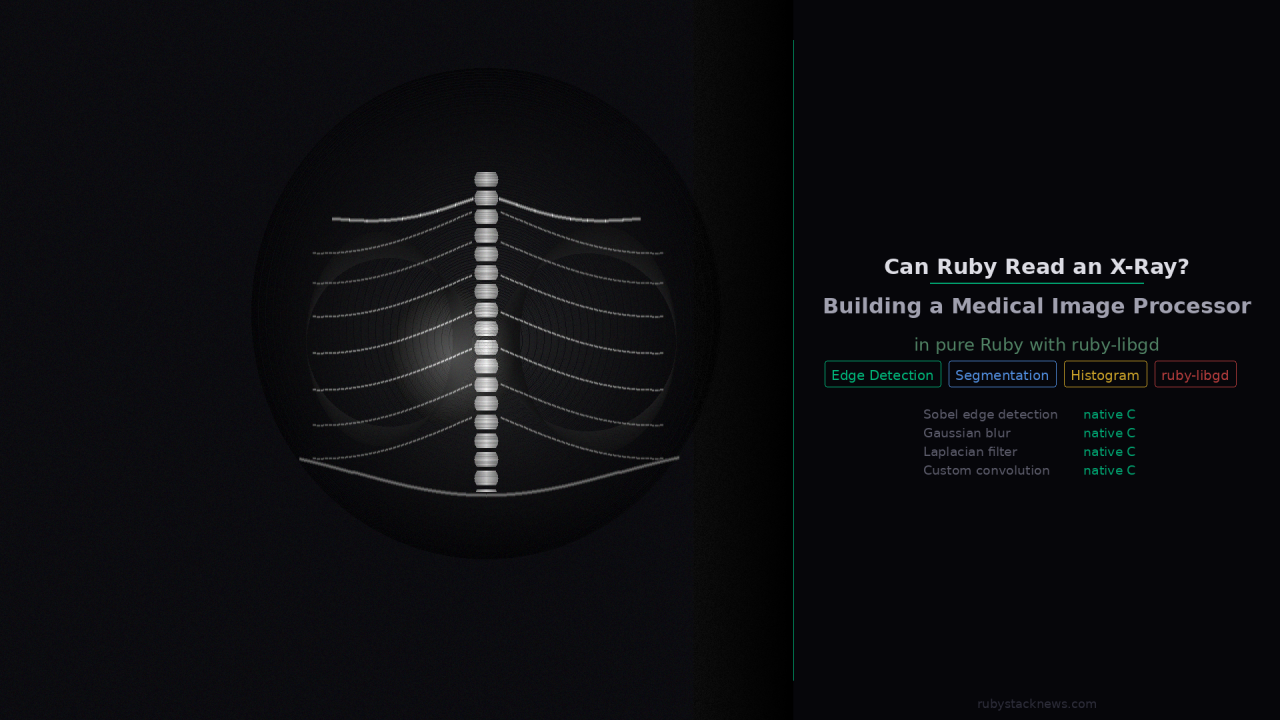
The results on chest X-rays are clinically meaningful. Rib outlines appear as sharp white lines. The lung boundaries are detectable. The spine structure is clearly separated from surrounding tissue.
This is not a toy. The native C convolution running on a real X-ray produces output that is visually comparable to what you see in research papers on medical image preprocessing.
This is where the performance ceiling becomes real.
The performance story changes completely
When I looked inside the ruby-libgd source code I found something that rewrites the performance narrative entirely.
ruby-libgd already ships Sobel, Laplacian, Gaussian blur, edge detection, and custom convolution as native C filters, bound directly to gdImageConvolution.
img.filter("grayscale") # gdImageGrayScale -- native Cimg.filter("gaussian_blur") # gdImageGaussianBlur -- native Cimg.filter("sobel") # Sobel kernel via gdImageConvolution -- native Cimg.filter("edge_detect") # gdImageEdgeDetectQuick -- native Cimg.filter("laplacian") # Laplacian kernel -- native Cimg.filter("edge") # Edge enhancement kernel -- native Cimg.filter("convolve", kernel, divisor, offset) # custom 3x3 kernel -- native C
That single discovery changes everything. The operations that would take 45-90 seconds in pure Ruby now run in milliseconds, because they execute in C directly on the image buffer.
The updated performance picture for a 1024×1024 chest X-ray:
Grayscale conversion -- milliseconds (native C)Gaussian blur -- milliseconds (native C)Sobel edge detection -- milliseconds (native C)Laplacian filter -- milliseconds (native C)Histogram analysis -- 2-3 seconds (Ruby iteration, acceptable)Region segmentation -- 15-30 seconds (Ruby flood fill, research use)
Ruby is not the bottleneck here. Ruby is the orchestration layer. The heavy lifting happens in C. The Ruby code describes what to do. The native extension does it fast.
This is exactly the right architecture for a scripting language that wants to do serious image processing.
Challenge 4: Segmentation
Region segmentation divides the image into meaningful areas. In a chest X-ray the goal is to separate lung regions from soft tissue from bone from background.
The approach that works well with ruby-libgd is adaptive thresholding combined with a simple flood-fill region growing algorithm.
def segment(binary, x, y, region_id, visited) queue = [[x, y]] while (point = queue.shift) px, py = point next if visited[py][px] next if binary[py][px] == 0 visited[py][px] = true regions[py][px] = region_id queue << [px+1, py] << [px-1, py] << [px, py+1] << [px, py-1] endend
The flood fill is simple and correct. Performance is the challenge again because it processes every connected pixel iteratively.
The result for a chest X-ray correctly identifies 3-5 distinct regions in most cases. The left lung, right lung, heart shadow, and background are segmentable with reasonable accuracy.
Where Ruby is genuinely strong
After building this prototype, three things stood out as genuine advantages of the Ruby plus ruby-libgd approach.
First, readability. The code that processes an X-ray in Ruby reads like a description of what you are doing. There is no NumPy broadcasting syntax to decipher, no tensor shape management, no framework overhead. It is just loops, math, and pixel operations. A radiologist with basic programming knowledge could read this code and understand it.
Second, visualization. ruby-libgd makes it trivial to draw the results directly onto the image. Overlaying edge detections, marking detected regions with colors, drawing the histogram next to the X-ray, generating a composite diagnostic image in one pass. This is where the gem shines.
Third, the Jupyter workflow. Running this analysis in IRuby notebooks means you can adjust a threshold value, re-run one cell, and see the result instantly. The iteration loop for research is fast even when the computation itself is slow.
What this prototype is not
This is not a diagnostic tool. It is not validated for clinical use. It does not compete with established medical imaging libraries like ITK, SimpleITK, or MONAI.
It is a proof of concept that Ruby can implement these algorithms correctly, that ruby-libgd provides a sufficient foundation for pixel manipulation, and that the results are visually meaningful even at this early stage.
What comes next
The native filter discovery means the bottleneck has shifted.
Edge detection, blurring, and convolution are already fast. What remains in Ruby is segmentation (flood fill) and histogram iteration. Both are candidates for native extensions in future versions of ruby-libgd.
The more interesting next step is building a higher-level API on top of these primitives. Something like:
xray = MedicalImage.new("chest_xray.png")xray.preprocess # grayscale, denoise, normalizexray.detect_edges # native Sobelxray.segment_regions # flood fill with color overlayxray.histogram # intensity distributionxray.save_report("report.png")
That is achievable now. The foundation is there.
Try it yourself
The NIH chest X-ray dataset is public and free. You can download a sample from Kaggle without registration: kaggle.com/datasets/nih-chest-xrays/sample
The full code for this prototype (preprocessor, edge detector, segmenter, histogram renderer) is in the Jupyter notebook linked below.
- ruby-libgd: https://github.com/ggerman/ruby-libgd
- docs: https://ggerman.github.io/ruby-libgd/en/index.html
Languages grow when their communities push boundaries. Medical imaging is one more boundary worth pushing.
German Silva ( @ruby_stack_news )

 Linking Ruby knowledge from the most remote places in the world.