
February 4, 2026
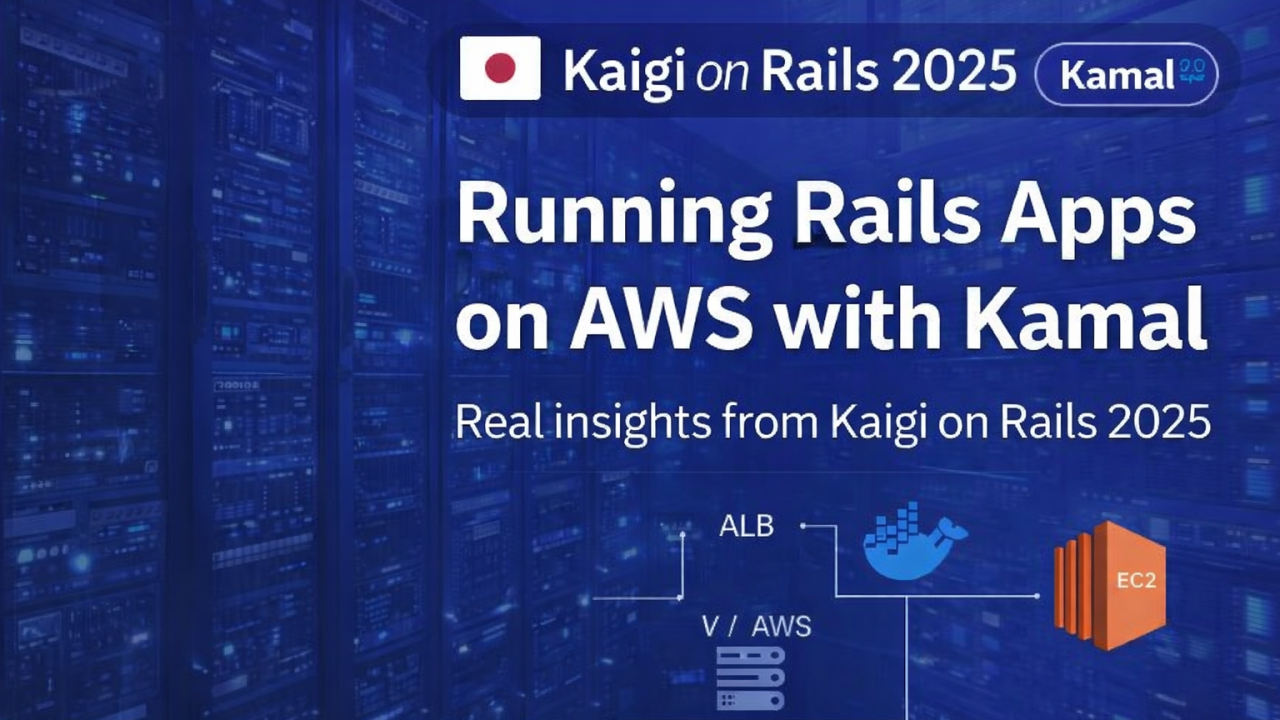
At Kaigi on Rails 2025, one talk stood out for being refreshingly honest about infrastructure.
Not a tutorial. Not a product pitch. But a real report from production.
In Hall Blue, yappu presented:
“Kamalって便利?社内プロジェクト3つをKamal + AWSで運用した体験談” (Is Kamal useful? Operating three internal projects with Kamal + AWS)
What followed was exactly the kind of content the Rails ecosystem needs right now: clear explanations, real problems, and practical fixes.
This article summarizes and reflects on that talk, while keeping full credit to its original source.
Why This Talk Matters Now
Kamal is no longer “new”.
With Rails 8, Kamal ships by default as the deployment answer for Rails applications. That’s a strong signal: Rails is once again encouraging developers to own their infrastructure.
But defaults raise important questions:
- Is Kamal actually usable beyond toy apps?
- How does it behave on AWS, not just on a VPS?
- What breaks when more than one developer deploys?
- Where does simplicity stop?
This talk answers those questions — not theoretically, but operationally.
What Is Kamal (Briefly)
Kamal is a Docker-based deployment tool designed to deploy web applications:
- anywhere Docker runs
- with minimal configuration
- using simple YAML files
- supporting blue/green, zero-downtime deploys
The core idea is intentionally small:
If you can run Docker on a server, you can deploy your Rails app.
And in many cases, that promise holds.
The Real Setup: Kamal + AWS
In this talk, Kamal was used to operate three internal Rails projects on AWS.
The architecture was intentionally straightforward:
- ALB (Application Load Balancer) for traffic
- EC2 instances running Docker containers
- RDS for persistent databases
- ECR for Docker images
- CloudWatch Logs for logging
- Kamal Proxy handling routing and zero-downtime deploys
No Kubernetes. No ECS. No service mesh.
Just Rails, Docker, AWS primitives, and Kamal.
This is important: the talk isn’t about extreme scale — it’s about sustainable ownership.
Where Kamal Shines
Several parts of Kamal worked exactly as advertised.
1. Simplicity
The deployment flow is easy to reason about:
- kamal setup
- Docker image build
- Image pushed to registry
- Containers started
- Traffic switched
- Old containers cleaned up
Nothing hidden. Nothing magical.
For teams coming from Heroku or Render, this feels familiar — but with more control.
2. Automatic SSL
Kamal’s built-in SSL support is deceptively powerful.
By enabling SSL, Kamal automatically:
- uses Let’s Encrypt
- checks certificate validity
- renews certificates when needed
No external cert manager. No cron jobs. No manual renewals.
This alone removes a large chunk of operational friction.
3. Debugging and Operations
Kamal makes “being on the server” trivial:
- kamal console
- kamal shell
- kamal logs
This matters.
When something goes wrong, you don’t want abstraction — you want visibility. Kamal gives you that without ceremony.
4. Environment Separation
Multiple environments are handled cleanly by design:
- deploy.yml
- deploy.staging.yml
- deploy.production.yml
Deploying becomes explicit:
kamal deploy -d stagingkamal deploy -d production
No hidden environment switches. No implicit magic.
Where Reality Hit: ALB Health Checks
The most interesting part of the talk was also the most educational.
The Problem
AWS ALB performs health checks using private IP addresses.
Kamal Proxy, however, routes requests based on the Host header.
That mismatch caused health checks to fail before requests reached Rails.
From the outside, it looked like:
- Rails wasn’t responding
- containers weren’t healthy
But the issue wasn’t Rails at all.
The Root Cause
Kamal Proxy decides where to send traffic using the hostname.
ALB health checks:
- don’t include the expected host
- arrive via private IPs
- therefore can’t be routed correctly
This is not a bug — it’s an architectural mismatch.
The Fix
The solution was simple and explicit:
Configure one application to accept requests from the private IP used by ALB health checks.
Once that routing was allowed, health checks passed and traffic flowed normally.
This is a great example of Kamal’s philosophy:
- the system doesn’t guess
- you must be explicit
- but once you are, it works predictably
Multi-Developer Deploys: Another Sharp Edge
Early on, deployments were manual.
That quickly became painful.
Why?
Because kamal deploy requires:
- SSH access to servers
- AWS permissions to push to ECR
Every new deployer meant:
- new keys
- new credentials
- or unsafe sharing
This doesn’t scale in teams.
The Solution: CI-Driven Deploys
The team introduced AWS CodePipeline to handle deployments.
Now:
- developers push code
- CI builds and deploys
- credentials stay centralized
- access is controlled
Kamal didn’t fight this approach — it integrated cleanly.
Again, Kamal stays small and composable.
The Bigger Lesson
This talk isn’t really about Kamal.
It’s about ownership.
Kamal doesn’t remove infrastructure complexity — it reveals it in manageable pieces.
- You see where requests flow
- You understand how traffic is routed
- You learn how AWS actually behaves
That’s a feature, not a flaw.
Who Kamal Is For
Based on this real-world experience, Kamal is a great fit for:
- Rails teams leaving platform PaaS
- Small to mid-sized products
- Teams that want control without Kubernetes
- Developers who value clarity over automation magic
It may not be the right tool for:
- extremely large multi-tenant platforms
- teams that never want to touch infra
- organizations already deep into managed orchestration
And that’s okay.
Rails has always been about appropriate complexity.
Closing Thoughts
The value of this talk lies in its honesty.
Kamal:
- works
- simplifies deployment
- exposes real infrastructure concerns
- rewards understanding over abstraction
Seeing it used to operate multiple production Rails apps on AWS — with problems, fixes, and tradeoffs — is exactly the kind of knowledge the Rails community benefits from.
Full credit to yappu and Kaigi on Rails 2025 for sharing this experience openly.
As Rails moves forward, talks like this remind us that good tooling doesn’t hide reality — it makes it navigable.

 Linking Ruby knowledge from the most remote places in the world.
Hi, thank you for writing about Kaigi on Rails in English!
Hey okuramasafumi,
thank you very much for your comment.
Since 2005, I’ve been deeply enthusiastic about Ruby and Ruby on Rails and about sharing knowledge within the community. In recent years, it sometimes feels like the English-speaking community has been a bit quieter, while at Kaigi on Rails and RubyWorld Conference I found an incredible source of knowledge, experience, and fresh ideas.
It truly felt like a breath of fresh air in a space that, from the outside, can seem a bit stuck at times. AI tools also helped me better understand the presentation content, which allowed me to engage with and write about it more meaningfully.
Thanks again, and congratulations on such a great conference.