

Regarding Python, I have extensive experience with MicroPython, Django, Matplotlib, Pandas, and so on.
However, in the last few years, I have focused on Ruby on Rails and Ruby and miss using Jupyter. That said, with Ruby, you have tools like IRB, Rails console, Pry, RSpec, and all these amazing tools, so you don’t necessarily need Jupyter.
Do you need more hands for your Ruby on Rails project?

Philosophically, I started programming just for fun. In the beginning, I ran Golden Axe and Bubble Bubble on my AT-286 desktop computer. Sometimes, the size of the game exceeded the storage capacity of a floppy disk, so I used VGACopy to increase this capacity and play the game. That was my motivation in the end.
Now, I just want to play and find a way to use Jupyter to share Ruby code.
To start, I found this project:
It’s interesting because you just need to run
docker run -p 8888:8888 rubydata/datascience-notebook
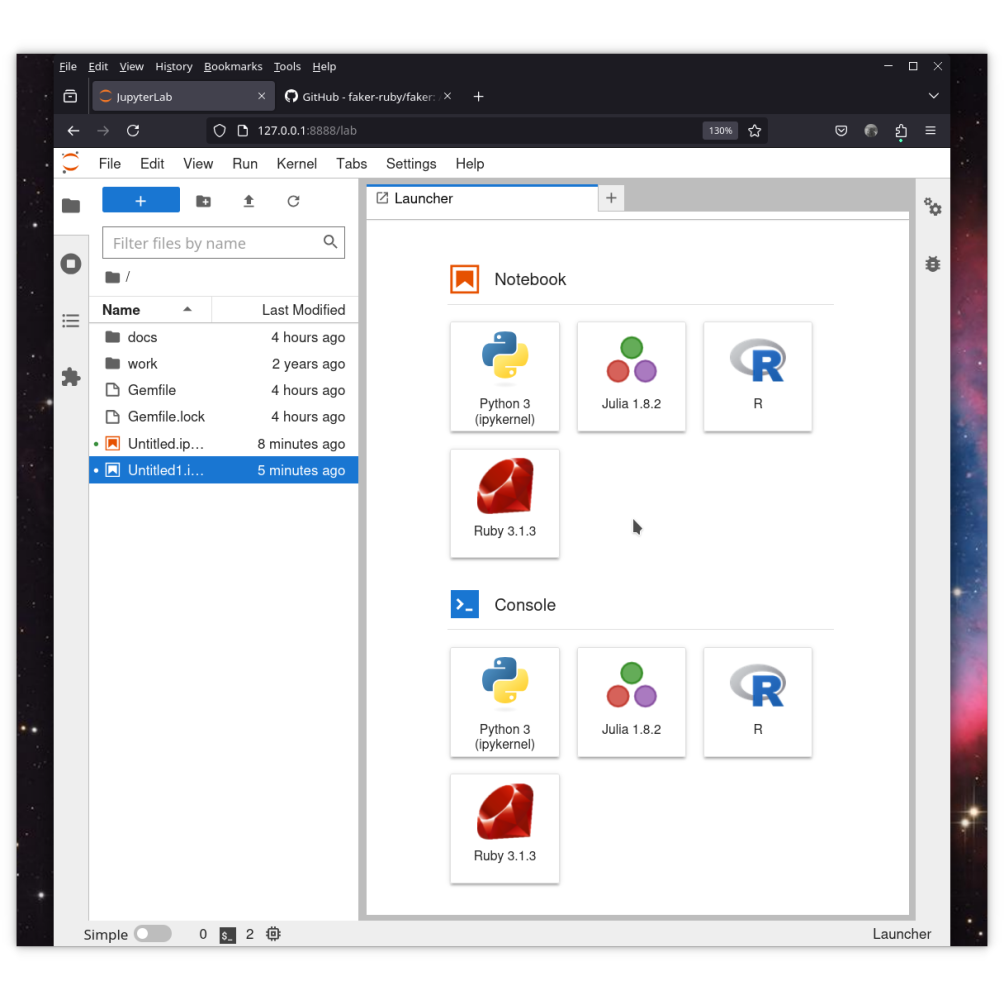
and everything works, allowing you to use Jupyter with Ruby on your local machine.
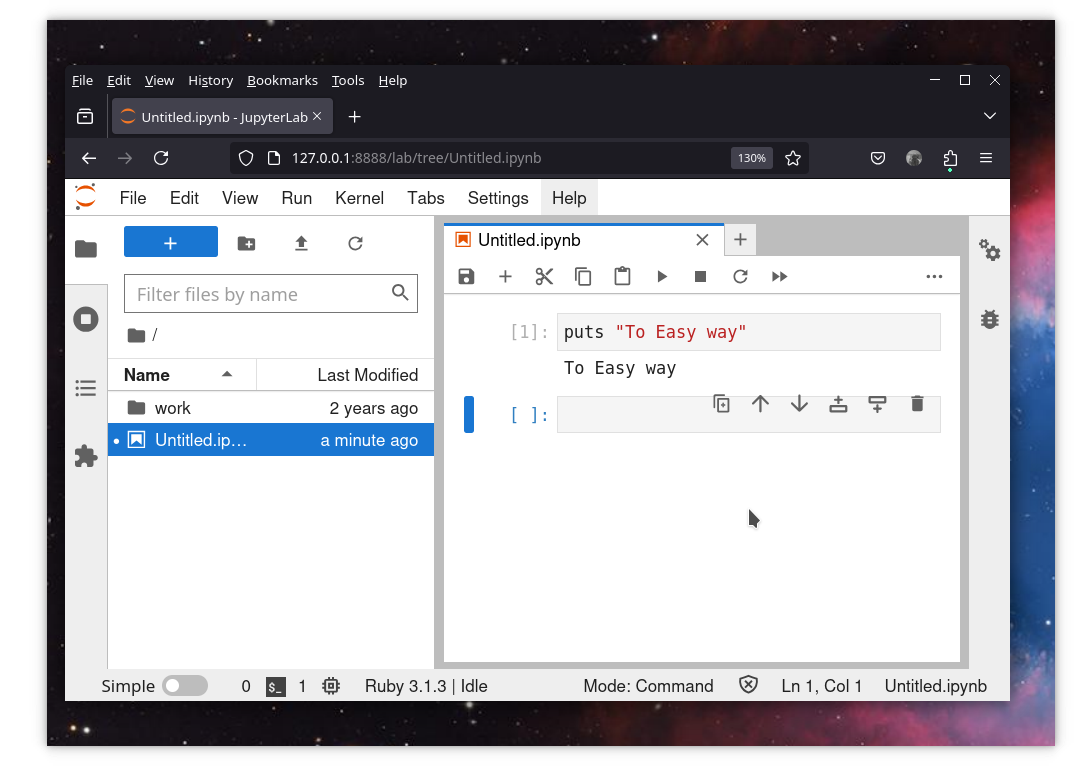
However, it’s very easy, and if the game is too easy, it becomes boring. There are also some challenges. For example, if you want to use a gem that is not included in the Ruby base, the require (require “faker”) statement returns an exception.
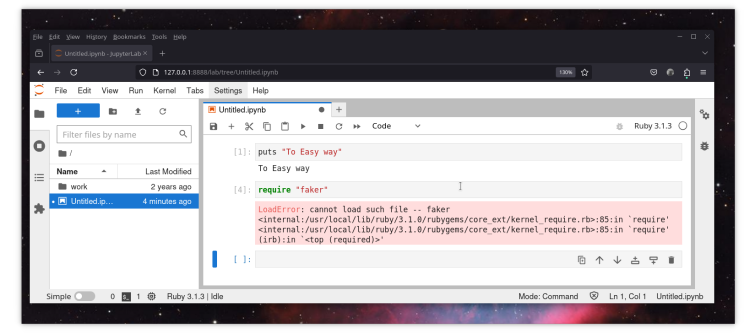
We could solve the problem by creating a new environment using Docker, and the Dockerfile for this would look like this:
FROM rubydata/datascience-notebook

RUN gem install bundler

COPY Gemfile Gemfile.lock ./

USER root
RUN bundle install
After that, we can improve this by creating a docker-compose.yml file.
name: jupyter
services:
  notebook:
    build:
      context: ..
      dockerfile: Dockerfile
    container_name: jupyter_notebook
    ports:
      - 8888:8888
    tty: true
    volumes:
      - ../:/home/jovyan/docs
volumes:
  db_store:
Just create a Gemfile
source "https://rubygems.org"

gem "faker"
and Gemfile.lock
# touch Gemfile.lock
in the same folder, then run
# docker-compose
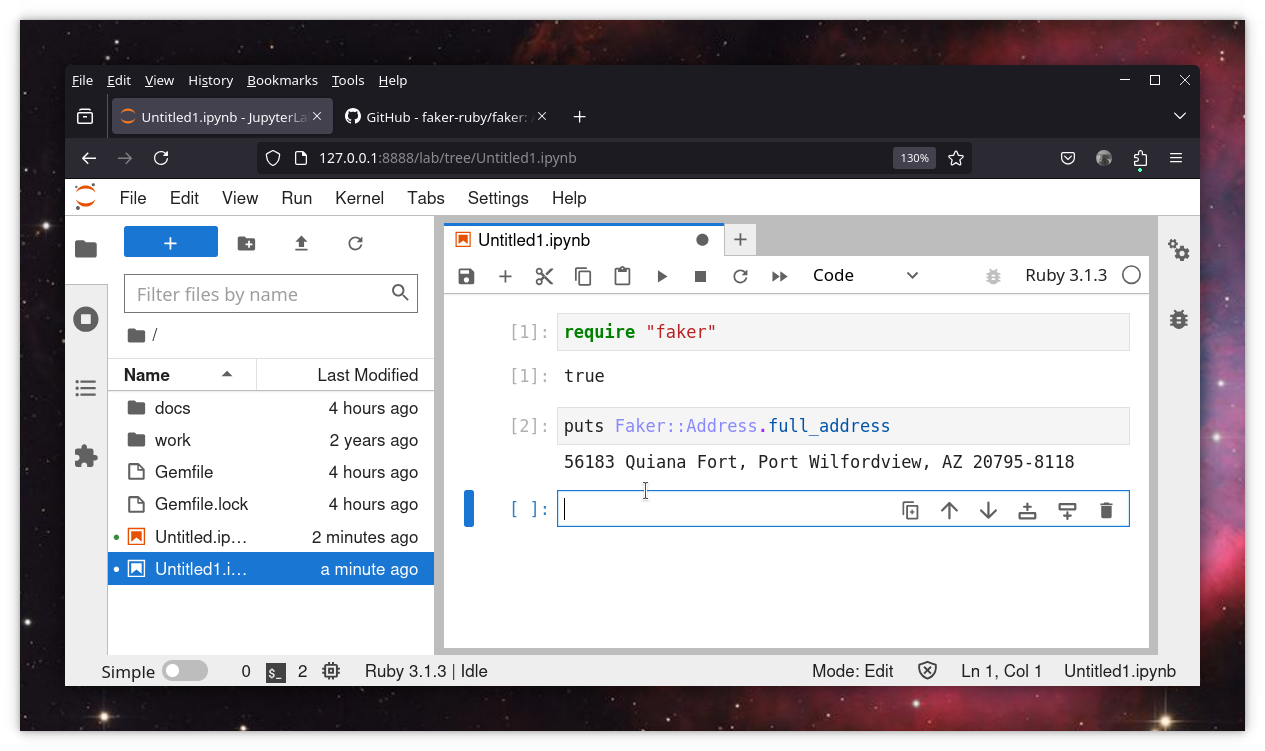
Enjoy working with Ruby and Jupyter, and use any Gem you want. You can also save the results in the same folder and share them.

 Linking Ruby knowledge from the most remote places in the world.